Immediate Fix
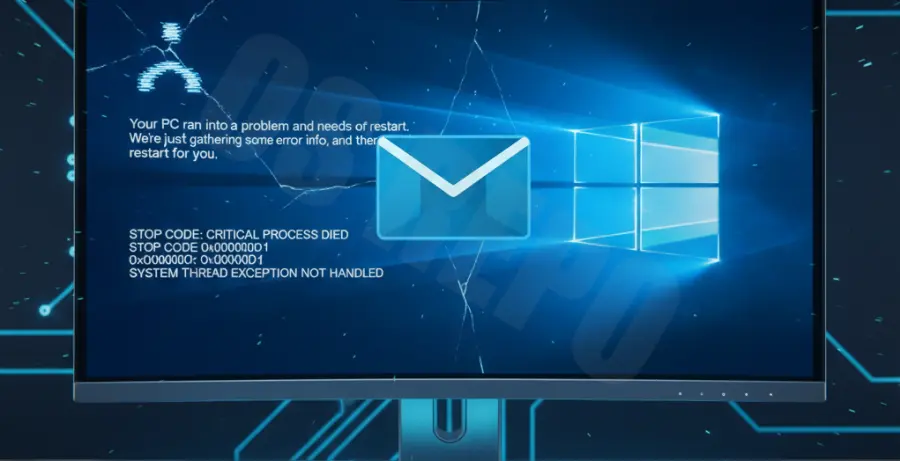
When Microsoft Outlook triggers a Windows Blue Screen of Death (BSOD), the most effective immediate solution is to launch the application in Safe Mode. This bypasses problematic add-ins and custom settings that often cause kernel-level conflicts.
To launch Outlook in Safe Mode, press Win + R, type the following command, and hit Enter:
outlook.exe /safeIf the system remains stable, the issue is likely a third-party add-in. Navigate to File > Options > Add-ins, select COM Add-ins, and click Go. Uncheck all items and restart Outlook normally.
If Safe Mode does not prevent the crash, you should perform an Online Repair of the Office installation. This replaces corrupted system files that may be interacting poorly with the Windows kernel.
| Step | Action |
|---|---|
| 1 | Open Control Panel and select Programs and Features. |
| 2 | Find Microsoft 365 / Office in the list. |
| 3 | Click Change and select Online Repair. |
Technical Explanation
Outlook rarely causes a BSOD directly because it is a user-mode application. However, it can trigger a crash if it interacts with faulty hardware drivers or corrupted system memory. The most common culprit is Hardware Graphics Acceleration.
When Outlook attempts to render the UI using a corrupted display driver, it can cause a VIDEO_TDR_FAILURE or SYSTEM_SERVICE_EXCEPTION. Similarly, if Outlook attempts to access a corrupted sector of the PST/OST file stored on a failing drive, it may trigger an I/O error that crashes the OS.
Other causes include antivirus software that hooks into the Outlook process at a deep level, or outdated network drivers that fail when Outlook attempts to sync large amounts of data simultaneously.
Alternative Methods
If the immediate fixes do not resolve the blue screen, you must address the underlying system stability. Start by running the System File Checker (SFC) to ensure Windows system files are intact.
Open Command Prompt as Administrator and run:
sfc /scannowUpdating your graphics and network drivers is also critical. Use the table below to identify which drivers to prioritize based on the BSOD error code you receive:
| BSOD Error Code | Primary Component to Update |
|---|---|
| VIDEO_TDR_FAILURE | GPU / Display Drivers |
| DRIVER_IRQL_NOT_LESS_OR_EQUAL | Network / Wi-Fi Drivers |
| PAGE_FAULT_IN_NONPAGED_AREA | RAM / Hard Drive Drivers |
Finally, consider creating a new Outlook profile. A corrupted mail profile can cause “hangs” that eventually lead to system instability. Go to Control Panel > Mail > Show Profiles and click Add to create a fresh configuration without deleting your old data.