Immediate Fix
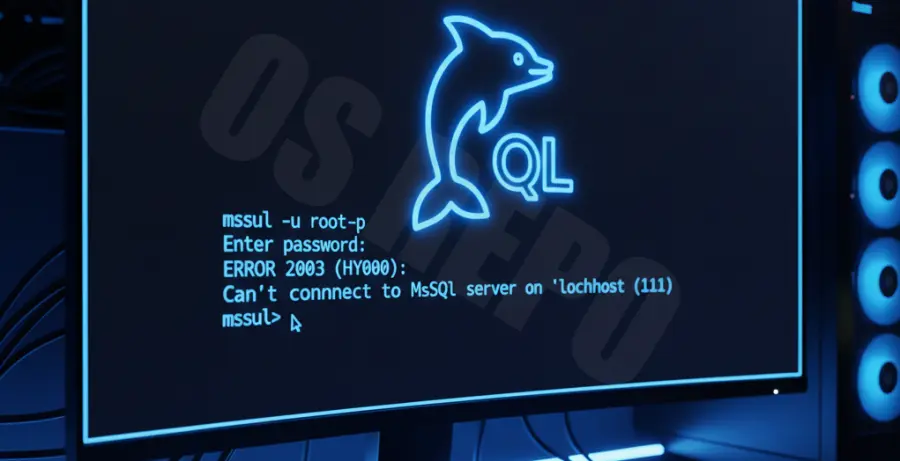
If your MySQL Command Line Client opens to a black screen or freezes immediately, the most common cause is that the MySQL Service is not running. You can resolve this by manually starting the service through the Windows Command Prompt or Services Manager.
Open your terminal as an Administrator and run the following command to force-start the service:
net start mysqlIf your service is named differently (like mysql80), use this instead:
net start mysql80| Action | Command |
|---|---|
| Check Service Status | sc query mysql |
| Restart Service | net stop mysql && net start mysql |
| Login via CLI | mysql -u root -p |
Technical Explanation
The “Black Screen” occurs because the MySQL client is a front-end interface. When you launch the shortcut, it attempts to establish a socket connection to the local MySQL server. If the server is unresponsive, the client waits indefinitely for a handshake.
Another reason for a hanging client is an incorrect configuration in the my.ini file. If the port (default 3306) is blocked or the “max_connections” limit has been reached, the client will fail to initialize the login prompt, resulting in a blank window.
Environment variable conflicts can also cause this. If the Path variable points to an old version of the MySQL binaries, the client may crash silently upon execution.
Alternative Methods
If restarting the service does not work, you should verify your system environment variables. This ensures that the operating system knows exactly where the mysql.exe file is located.
1. Update System Path
Navigate to “Edit the system environment variables” in Windows. Add the path to your MySQL bin folder, typically C:\Program Files\MySQL\MySQL Server 8.0\bin, to the “Path” variable.
2. Use the –no-defaults Flag
If a corrupted configuration file is causing the freeze, try bypassing it. Open a standard CMD window and type:
mysql --no-defaults -u root -p3. Kill Frozen Processes
Sometimes a zombie mysql.exe process prevents new instances from starting. Use the Task Manager to end all MySQL tasks or run this command:
taskkill /F /IM mysql.exeOnce cleared, try relaunching the MySQL Command Line Client. If the issue persists, check the .err logs in the MySQL Data directory to identify specific startup failures.