Immediate Fix: Reset Network Settings
The most effective way to stop an iPhone 16 Pro from dropping WiFi after an update is to perform a Reset of Network Settings. This clears the cache of all previous connections and forces the iOS network stack to re-initialize.
Navigate to Settings > General > Transfer or Reset iPhone > Reset > Reset Network Settings. Note that this will remove saved WiFi passwords and VPN configurations.
Once the device reboots, reconnect to your primary network. This process often resolves the DHCP handshake errors that occur when new firmware conflicts with legacy router data.
Technical Explanation: Why Updates Cause Connection Drops
Updates to iOS often include patches for the WiFi 7 (802.11be) protocol. If your router is running older firmware, the iPhone 16 Pro may struggle to negotiate a stable connection using the new WPA3 or 6GHz bands.
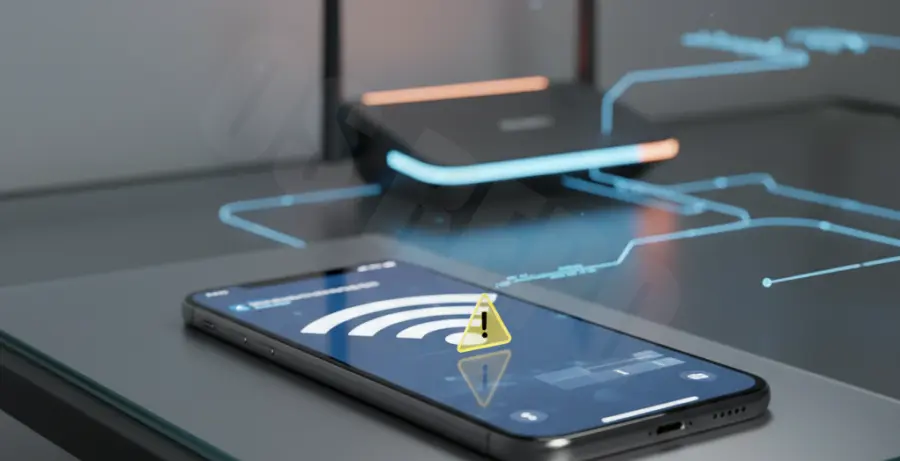
When the software update finishes, the “handshake” between the iPhone and the gateway might fail due to expired IP leases or mismatched MAC address randomization settings. This results in the “connected but no internet” or frequent disconnection symptoms.
Alternative Methods to Stabilize Your Connection
If the immediate network reset does not resolve the issue, you may need to adjust the specific DNS settings or disable private relay features that could be timing out.
Method 1: Configure Static DNS
| Provider | Primary DNS | Secondary DNS |
|---|---|---|
| Cloudflare | 1.1.1.1 | 1.0.0.1 |
| 8.8.8.8 | 8.8.4.4 |
Method 2: Disable Private WiFi Address
Sometimes the “Private WiFi Address” feature causes the router to treat the iPhone 16 Pro as a new device every few hours, causing a drop. You can disable this for your home network specifically under the “i” icon next to your WiFi name.
# For advanced users checking connectivity via Mac/Terminal
ping -c 10 192.168.1.1
# High latency or packet loss indicates a router-to-iPhone handshake issue
Finally, ensure your router firmware is up to date. The iPhone 16 Pro utilizes advanced wireless standards that require modern router software to function without interruptions.