Immediate Fix
The most common cause of a JavaScript Bluetooth pairing failure is the lack of a transient user gesture. The Web Bluetooth API strictly requires an intentional user action, like a button click, to trigger the device picker.
Ensure your request code is wrapped inside an event listener and that you are serving your site over a secure HTTPS connection. Localhost is the only exception to this security rule.
// Example of a correct pairing trigger
document.querySelector('#connect-btn').addEventListener('click', async () => {
  try {
    const device = await navigator.bluetooth.requestDevice({
      filters: [{ services: ['heart_rate'] }]
    });
    console.log('Device selected:', device.name);
  } catch (error) {
    console.error('Pairing failed:', error);
  }
});
Check the table below for common error codes and their quick resolutions:
| Error Message | Resolution |
|---|---|
| SecurityError: Must be handling a user gesture | Move requestDevice() inside a click or touch event. |
| NotFoundError: No Bluetooth devices found | Verify device is in advertising mode and matches filters. |
| NetworkError: Connection failed | Restart browser Bluetooth or cycle device power. |
Technical Explanation
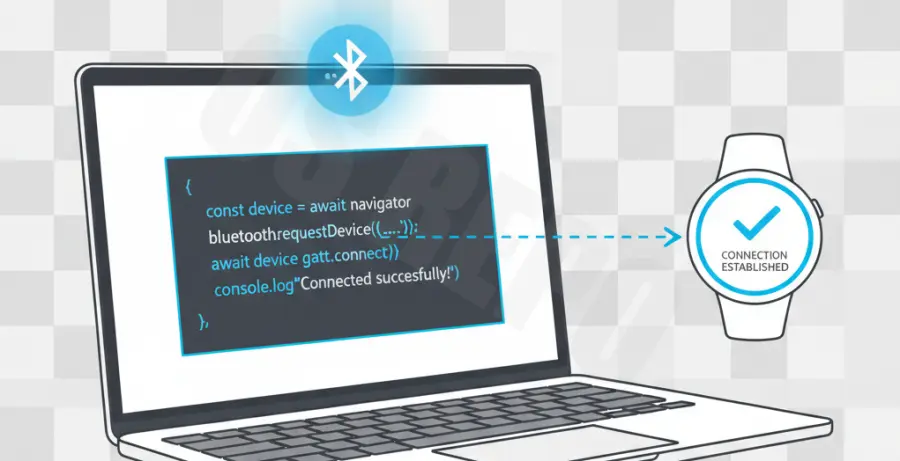
JavaScript Bluetooth pairing is handled via the Web Bluetooth API. Unlike native applications, the browser acts as a sandbox. It mediates the connection to prevent unauthorized tracking or data access by malicious scripts.
When you call requestDevice(), the browser initializes a scanning phase. This phase looks for Bluetooth Low Energy (BLE) peripherals that match the filters or optionalServices defined in your code. If the service UUID is not explicitly declared, the browser will block access to it even if the device is successfully paired.
Another technical hurdle is the GATT (Generic Attribute Profile) connection. After pairing, the script must establish a connection to the GATT server. JavaScript often fails here if the device is already bonded to another host or if the system’s Bluetooth stack is hung.
Alternative Methods
If the standard Web Bluetooth API continues to fail, use internal browser debugging tools. Chrome provides a dedicated interface at chrome://bluetooth-internals. This tool allows you to inspect nearby devices, check their advertising packets, and see real-time log failures.
For cross-platform development where Web Bluetooth support is limited (like on iOS Chrome or older versions of Android), consider using a hybrid approach. Tools like Capacitor or React Native provide native Bluetooth wrappers that bypass browser-specific constraints.
Lastly, ensure that the “Web Bluetooth” flag is enabled in experimental browsers. You can check this by navigating to chrome://flags/#enable-web-bluetooth and ensuring it is set to “Enabled”. This is often necessary for non-standard Linux environments.