Symptoms & Diagnosis
iPad Pro Error 1671 typically appears during a software restore or update process via iTunes or Finder. It indicates that your computer is having trouble communicating with Apple’s servers or that a software download is still in progress.
Users often report a sudden pop-up message stating, “The iPad ‘iPad’ could not be restored. An unknown error occurred (1671).” This often happens when the iPad is in Recovery Mode or DFU mode.
To better understand the cause, refer to the diagnostic table below:
| Symptom | Potential Root Cause |
|---|---|
| iTunes shows Error 1671 | Apple software update is currently downloading. |
| Connection Timeout | USB cable interference or port malfunction. |
| Server Error | Third-party security software blocking Apple servers. |
Before proceeding, ensure your iPad Pro is connected directly to the computer rather than through a USB hub.
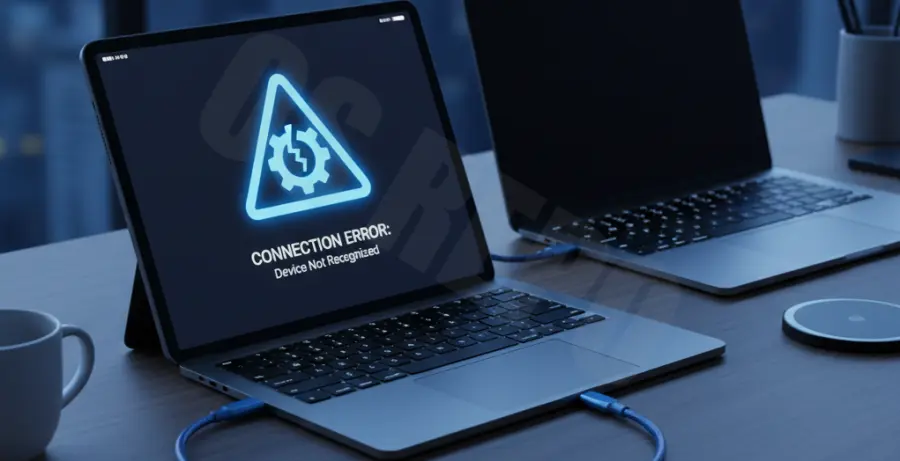
Troubleshooting Guide
Step 1: Wait for the Software Download
In many cases, Error 1671 is simply a status message rather than a fatal failure. iTunes or Finder may be downloading the iPadOS firmware in the background.
Check the download icon in the top right corner of iTunes or the sidebar in Finder. If a download is active, wait for it to complete before attempting the restore again.
Step 2: Check Network Connectivity
If the download is stuck, verify that your computer can reach Apple’s update servers. You can use the terminal to check the connection status.
# Ping Apple's Update Server to check connectivity
ping gs.apple.com
If you see “Request timed out,” your network or firewall might be blocking the connection.
Step 3: Disable Security Software
Third-party antivirus or firewall software can interpret the iPad restore process as suspicious activity. Temporarily disable these programs and try the restore again.
Ensure that ports 80 and 443 are open and that your computer is authorized to communicate with 17.0.0.0/8 (Apple’s IP range).
Step 4: Use a Different USB Port or Cable
Hardware handshakes are sensitive during a restore. Switch to an Apple-certified (MFi) USB-C cable and try a different port on your computer to rule out hardware failure.
Prevention
To avoid Error 1671 in the future, always keep your iPadOS and macOS/Windows software updated. An outdated version of iTunes is one of the most common triggers for restoration errors.
Always perform a full backup to iCloud or your local machine before initiating a restore. This ensures that even if an error occurs, your data remains safe.
Finally, ensure a stable, high-speed internet connection whenever performing firmware updates to prevent the “waiting” state that triggers this error code.