Immediate Fix
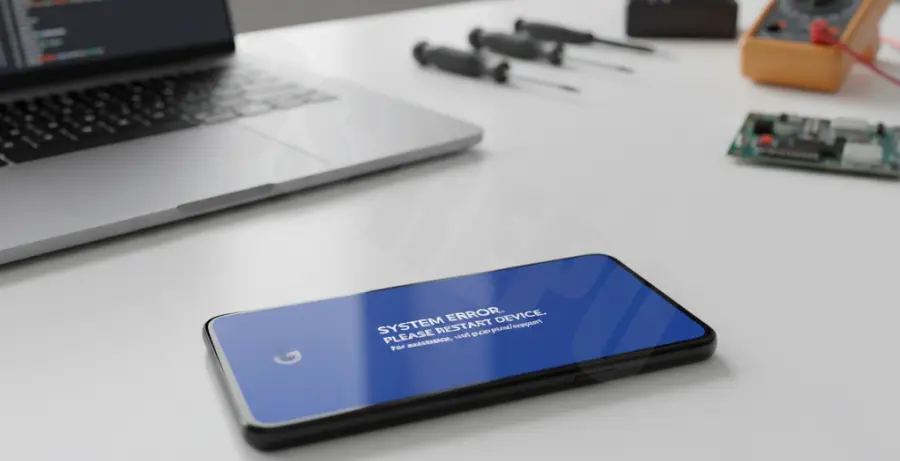
If your Pixel 9 is stuck on a blue screen (BSOD) at startup, the most effective immediate solution is a Force Restart. This cuts power to the logic board and clears the temporary cache causing the freeze.
Press and hold the Power button and the Volume Up button simultaneously for at least 30 seconds. Do not release them until you see the Google “G” logo appear on the screen.
| Method | Difficulty | Data Loss Risk |
|---|---|---|
| Force Restart | Low | None |
| Safe Mode | Medium | None |
| Factory Reset | High | Complete |
If the device boots but remains unstable, try entering Safe Mode. While the device is turning on, press and hold the Volume Down button until the home screen appears with a “Safe Mode” watermark.
Technical Explanation
The Pixel 9 Blue Screen of Death usually indicates a Kernel Panic. This happens when the Android OS encounters a critical error that it cannot recover from safely. On the Pixel 9, this is often linked to the Tensor G4 chip’s memory management.
Software conflicts are the primary culprit. These can occur during a background system update or when a third-party application attempts to access restricted memory sectors. If the system cannot resolve the conflict, it halts all operations to prevent hardware damage.
In rare cases, the blue screen is a symptom of “Panic Dialing,” where the hardware fails to initialize the display driver properly during the early boot sequence. This is frequently a result of corrupted firmware rather than a physical screen defect.
Alternative Methods
If a force restart fails, you may need to use Recovery Mode. Turn off your device. Press and hold Power + Volume Down until the Fastboot menu appears. Use the volume keys to select “Recovery Mode” and press Power.
For users comfortable with a PC, you can attempt to “Rescue” the device using ADB (Android Debug Bridge) to sideload the latest OTA image. This repairs the operating system without deleting your personal data.
adb sideload ota_file_name.zipShould the blue screen persist after a full factory reset via Recovery Mode, the issue is likely a hardware manufacturing defect. In this scenario, contact Google Support immediately for a warranty replacement, as the internal UFS storage or SoC may be failing.