Symptoms & Diagnosis
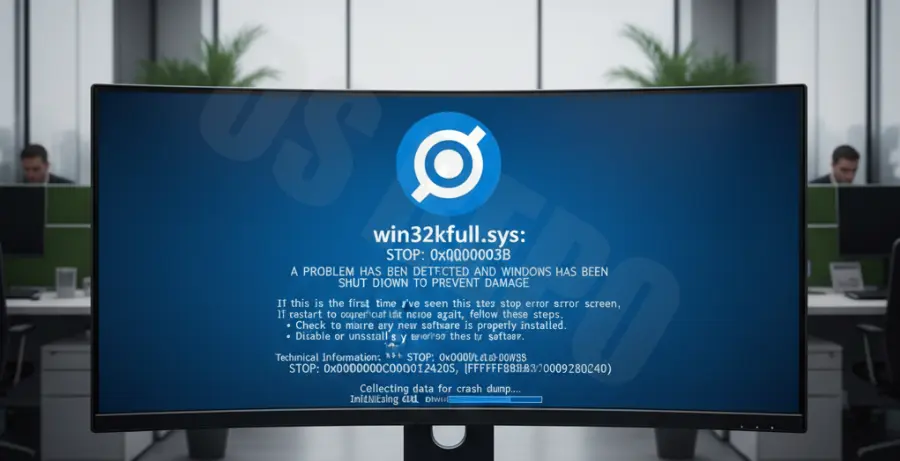
The win32kfull.sys blue screen error is a kernel-mode driver conflict that often occurs when Microsoft Outlook interacts with the Windows graphics subsystem. Users typically report a sudden crash when opening the application or while composing a new email.
Common symptoms include the PC freezing for a few seconds followed by the “Blue Screen of Death” (BSOD). The stop code usually reads SYSTEM_SERVICE_EXCEPTION or APC_INDEX_MISMATCH, specifically naming the win32kfull.sys file as the culprit.
To diagnose the root cause, you should check the Windows Event Viewer. Look for critical errors under “Windows Logs” > “System” that coincide with the time of the crash. Identifying whether the crash happens during printing or window resizing can also narrow down the fault.
| Symptom | Possible Cause |
|---|---|
| Crash on Outlook Startup | Corrupted Office installation or incompatible Add-ins. |
| BSOD during Email Composition | Conflict with Windows kernel-mode drivers (win32kfull.sys). |
| System Reboot when Printing | Outdated printer drivers or Windows Update mismatch. |
Troubleshooting Guide
1. Run SFC and DISM Commands
Since win32kfull.sys is a system file, it may be corrupted. You can use the built-in Windows Image Repair tools to restore the integrity of your system files. Open Command Prompt as Administrator and execute these commands:
sfc /scannow
dism /online /cleanup-image /restorehealth
Restart your computer after the processes finish. This ensures that any mismatched versions of the kernel driver are replaced with healthy copies.
2. Disable Hardware Graphics Acceleration
In many cases, Outlook crashes because of how it handles hardware acceleration through win32kfull.sys. If you can open Outlook briefly, navigate to File > Options > Advanced. Under the “Display” section, check the box for “Disable hardware graphics acceleration”.
3. Update or Roll Back Windows Updates
This specific BSOD is frequently linked to faulty Windows security updates. Check for the latest patches, as Microsoft often releases “out-of-band” updates to fix win32kfull.sys issues. Conversely, if the error started immediately after an update, consider uninstalling the most recent “Security Update for Microsoft Windows.”
4. Repair Microsoft Office
A corrupted Outlook profile or installation can trigger system-level exceptions. Go to Control Panel > Programs and Features, select your Microsoft Office version, and click Change. Select Online Repair to perform a comprehensive fix of all Office binaries.
Prevention
To prevent future win32kfull.sys crashes, keep your graphics drivers and Windows OS updated. Manufacturers like Intel, NVIDIA, and AMD frequently release patches that resolve kernel-mode driver conflicts.
Avoid installing “beta” or “insider” versions of Office on production machines, as these builds often contain unstable code that interacts poorly with win32kfull.sys. Regularly clearing the Outlook cache and disabling unnecessary COM add-ins will also reduce the load on the system subsystem.
Finally, ensure that your printer drivers are up to date. Many win32kfull.sys errors are specifically triggered by the GDI (Graphics Device Interface) when Outlook attempts to render a print preview or communicate with a network printer.