| Quick Fix | Action Required |
|---|---|
| Basic Refresh | Press Command + R or restart Safari. |
| Clear Cache | Go to Safari > Settings > Privacy > Manage Website Data. |
| Network Reset | Toggle Wi-Fi off/on or flush DNS cache. |
| VPN/Proxy | Disable active VPNs or custom proxy configurations. |
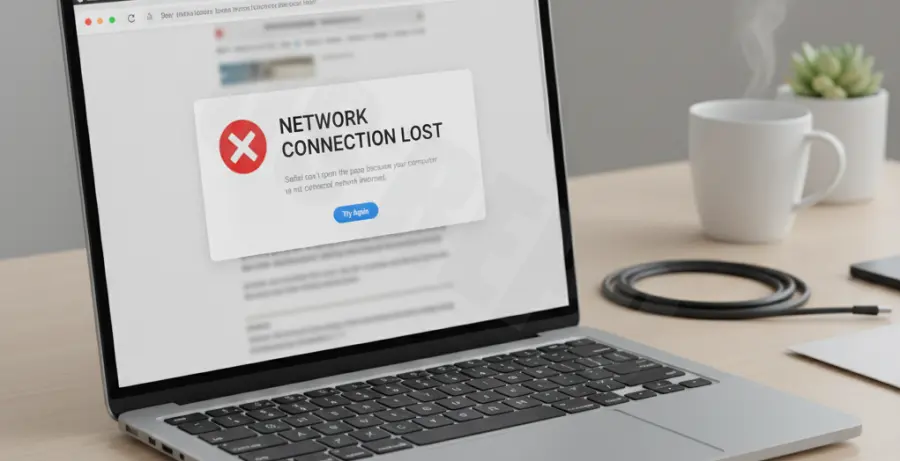
What is Safari NSURLErrorDomain Error -1005?
The NSURLErrorDomain error -1005 is a macOS and iOS network error that translates to “The network connection was lost.” This typically occurs when a connection is interrupted while the browser is waiting for a response from the server.
In technical terms, the socket connection between Safari and the web server is closed unexpectedly. This can be caused by keep-alive timeouts, unstable Wi-Fi, or interference from third-party software like VPNs and firewalls.
Because this is a low-level network error, it often suggests that the client-side (your Mac) lost its handshake with the destination, rather than the website being offline.
Step-by-Step Solutions
1. Force Refresh and Clear Cache
Start with the simplest fix. Sometimes a corrupt temporary file causes the connection to drop mid-stream.
Go to Safari > Settings > Advanced and check “Show features for web developers.” Then, use the shortcut Option + Command + E to empty the cache. Restart Safari and try the URL again.
2. Flush the DNS Cache
If your system is trying to connect via an outdated IP address, the connection may fail with error -1005. You can force macOS to refresh these records using the Terminal.
Open Terminal and enter the following command:
sudo dscacheutil -flushcache; sudo killall -HUP mDNSResponderEnter your administrator password when prompted and press Enter.
3. Renew DHCP Lease
A stale local IP address can cause intermittent connection drops. Renewing your DHCP lease requests a fresh connection from your router.
Go to System Settings > Network > Wi-Fi > Details… > TCP/IP. Click the Renew DHCP Lease button. Click OK and test Safari.
4. Disable VPN and Proxy Servers
VPNs and proxies are the most common culprits for NSURLErrorDomain -1005. They often terminate connections prematurely if the “Keep-Alive” header isn’t handled correctly.
Navigate to System Settings > Network > Proxies. Ensure all toggles are turned off. If you use a VPN app, disconnect it completely or uninstall the configuration profile temporarily to see if the error persists.
5. Reset Network Configuration Files
If none of the above work, you may need to clear your system’s network configuration files. This forces macOS to recreate your network stack from scratch.
Go to `/Library/Preferences/SystemConfiguration/` and move the following files to your Trash:
- com.apple.airport.preferences.plist
- com.apple.network.identification.plist
- NetworkInterfaces.plist
- preferences.plist
Restart your Mac immediately after moving these files.