| Issue | Severity | Time to Fix |
|---|---|---|
| Slow iPad Pro Performance | Moderate | 2 Minutes |
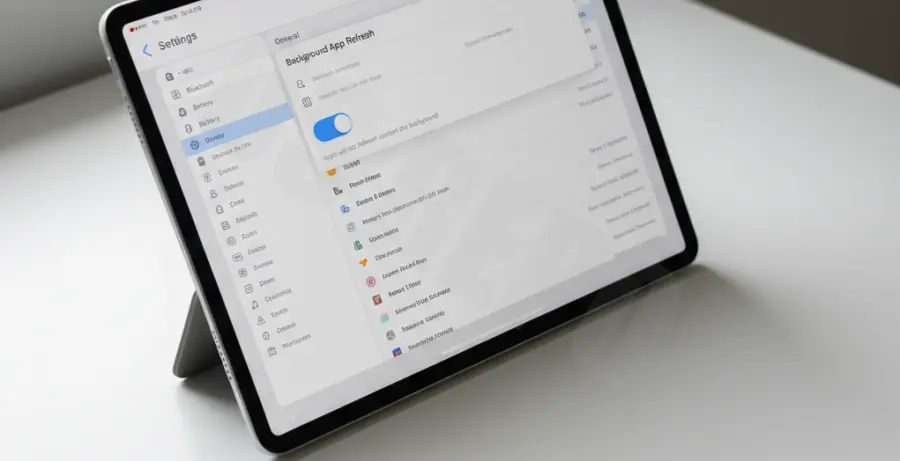
What is Background App Refresh?
Background App Refresh is an iOS feature that allows applications to check for updates and new content even when they aren’t actively running. While convenient for keeping feeds current, it consumes significant CPU cycles and battery life on your iPad Pro.
Step-by-Step Solutions
Method 1: Global Deactivation
The fastest way to regain performance is to disable the feature entirely across the device. This stops all background indexing and data fetching immediately.
Navigate to the following path on your iPad Pro:
Settings > General > Background App Refresh > OffMethod 2: Selective App Management
If you need specific apps like Mail or Slack to stay updated, you can disable refresh for non-essential apps individually. This balances performance with functionality.
Follow this path and toggle off specific apps in the list:
Settings > General > Background App Refresh > [Toggle Individual Apps]Method 3: Wi-Fi Only Optimization
If data usage is your primary concern rather than CPU speed, you can restrict refreshing to Wi-Fi connections only. This prevents background tasks from consuming your cellular data plan.
Select this specific configuration in your settings:
Settings > General > Background App Refresh > Wi-Fi