| Issue | Severity | Estimated Time |
|---|---|---|
| Pixel 9 Fingerprint Sensor Not Responding | Moderate | 5-10 Minutes |
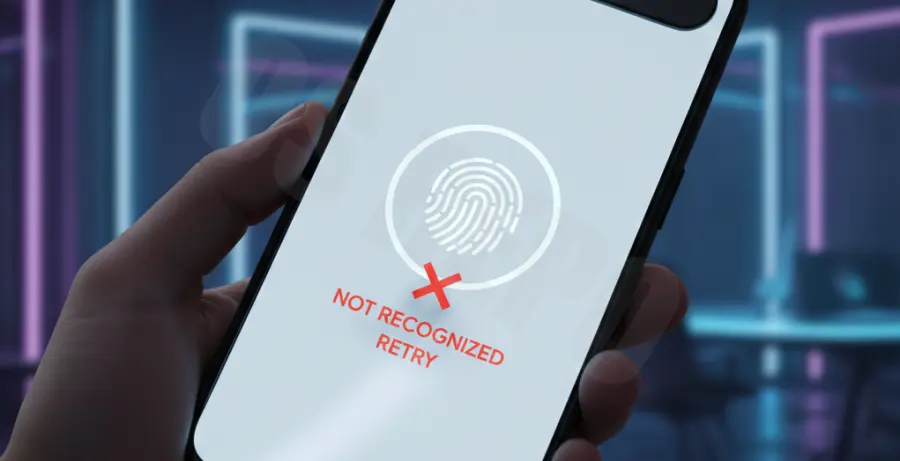
What is the Pixel 9 fingerprint sensor not responding error?
The Pixel 9 fingerprint sensor not responding error occurs when the ultrasonic scanner fails to authenticate biometric data. This prevents immediate device access and is typically caused by incompatible screen protectors, surface debris, or minor software glitches within the Android OS.
Step-by-Step Solutions
1. Enable Screen Protector Mode
If you have a glass protector installed, the sensor sensitivity might need an adjustment. Navigate to your settings to increase the touch sensitivity for better ultrasonic penetration.
- Open Settings and go to Display.
- Toggle on Screen protector mode.
- Restart your device to apply the changes.
2. Re-register Your Biometrics
Sometimes the initial fingerprint scan is incomplete or corrupted. Deleting your existing profiles and adding them again in a dark environment can often solve the responsiveness issue.
- Go to Settings > Security & privacy.
- Tap on Device unlock > Fingerprint Unlock.
- Delete all current fingerprints and tap Add fingerprint to start fresh.
3. Verify Fingerprint Service via ADB
For advanced users, you can check if the biometric service is running correctly using ADB commands. This ensures that the hardware abstraction layer (HAL) is communicating with the software.
# Check if the fingerprint service is active
adb shell service check fingerprint

# Restart the System UI to clear temporary glitches
adb shell am force-stop com.android.systemui
4. Clean the Ultrasonic Sensor Area
Since the Pixel 9 uses ultrasonic technology, even microscopic oil buildup can distort the sound waves. Use a microfiber cloth with a tiny drop of isopropyl alcohol to wipe the lower third of the display.
Ensure your thumb is also clean and hydrated. Extremely dry skin can occasionally cause the ultrasonic pulses to scatter, leading to a failed read.