Symptoms & Diagnosis
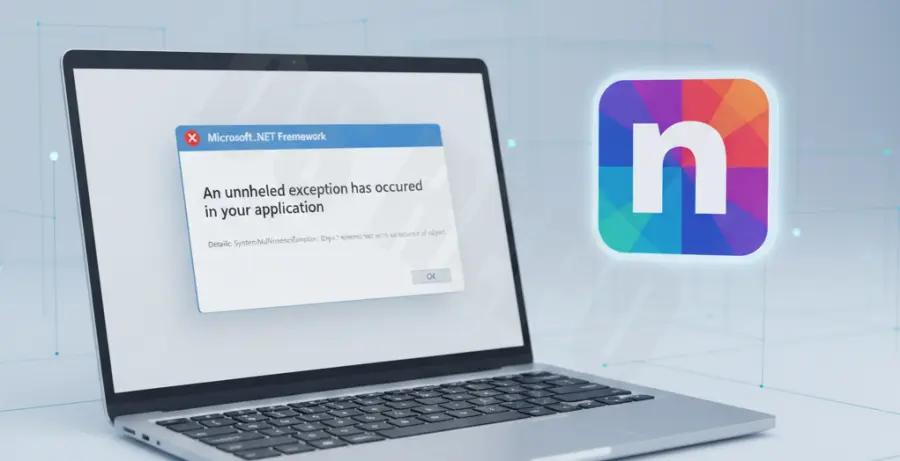
The Notion installation error related to the .NET Framework typically occurs on Windows systems. It manifests when the installer cannot find a compatible version of the Microsoft .NET runtime required to execute the application’s desktop environment.
Users often report a pop-up dialog stating, “To run this application, you must install .NET Framework,” or specific error codes like 0x80070643. This usually happens because the framework is disabled, corrupted, or outdated.
| Error Indicator | Probable Cause |
|---|---|
| “Microsoft .NET Framework 4.8 required” | Missing major runtime version. |
| Installation hangs at 99% | Framework initialization failure. |
| Error 0x800F081F | Source files for .NET could not be found. |
Before proceeding, check your “Turn Windows features on or off” menu to see if .NET 3.5 or 4.8 is checked. If these are unchecked, Windows prevents Notion from accessing necessary libraries.
Troubleshooting Guide
The first step is to manually enable the .NET Framework through the Windows Control Panel. This ensures that the system registers the environment variables Notion needs to launch.
Method 1: Enable .NET via Windows Features
Navigate to the Start menu and type “Turn Windows features on or off.” In the list that appears, ensure that both “.NET Framework 3.5” and “.NET Framework 4.8 Advanced Services” are ticked. Click OK and restart your PC.
Method 2: Use the .NET Framework Repair Tool
If the framework is already enabled but Notion still fails, the installation may be corrupted. Download the official .NET Framework Repair Tool from Microsoft to patch registry issues automatically.
Method 3: Force Enable via Command Line
If the GUI method fails, you can force the installation of the framework using the Deployment Image Servicing and Management (DISM) tool. Open PowerShell or Command Prompt as an Administrator and run:
dism /online /enable-feature /featurename:NetFX3 /allAfter running this command, try relaunching the Notion setup file as an administrator by right-clicking the installer and selecting “Run as Administrator.”
Prevention
To avoid future Notion installation errors, keep your Windows OS updated. Microsoft bundles critical .NET security and functionality updates within standard Windows Update patches.
Regularly run the System File Checker to ensure core dependencies remain intact. You can do this by executing the following command in an elevated prompt:
sfc /scannowLastly, ensure you are downloading the latest version of Notion directly from the official website. Older installers may point to deprecated framework versions that are no longer supported by modern Windows builds.