Immediate Fix
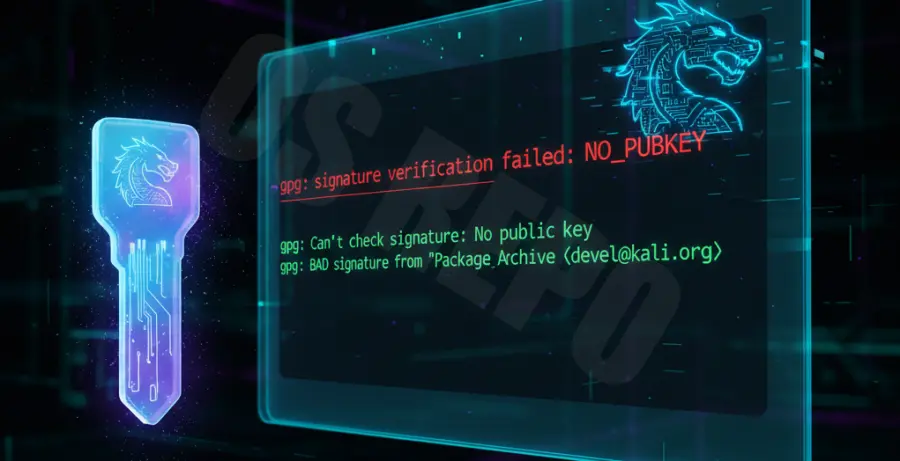
The “Invalid Signature” error occurs when the local repository keys on your system no longer match the signatures provided by the Kali Linux mirrors. This is common if your system hasn’t been updated in a while.
To fix this immediately, you need to manually import the latest Kali Linux archive key. Open your terminal and run the following command:
wget -q -O - https://archive.kali.org/archive-key.asc | sudo apt-key addOnce the key is added, refresh your package lists. You should no longer see the GPG error:
sudo apt updateTechnical Explanation
Kali Linux uses GPG (GNU Privacy Guard) keys to sign its software repositories. This cryptographic process ensures that the updates you download are authentic and haven’t been altered by an attacker.
These keys are stored locally in your /etc/apt/trusted.gpg.d/ directory. For security reasons, these keys have expiration dates. When the Kali team rotates their master keys or when your local keys expire, the apt update command fails because it can no longer verify the repository’s integrity.
Updating the kali-archive-keyring package is the standard way to maintain these keys. However, when the signature is already invalid, apt prevents you from downloading the very package needed to fix the issue, necessitating a manual key import.
Alternative Methods
Method 1: Force Reinstalling the Keyring Package
If the manual import doesn’t work, you can attempt to reinstall the official keyring package directly from the repositories while bypassing the signature check temporarily.
sudo apt-get install kali-archive-keyring --allow-unauthenticatedMethod 2: Cleaning the APT Lists Cache
Sometimes, corrupted metadata in your local cache causes persistent signature mismatches. Clearing the lists directory forces APT to download fresh metadata from the server.
sudo rm -rf /var/lib/apt/lists/*
sudo apt update
Troubleshooting Key Errors
Refer to the table below to identify specific GPG error codes and their meanings during a Kali Linux update failure.
| Error Code | Meaning | Recommended Action |
|---|---|---|
| EXPKEYSIG | The repository key has expired. | Download the new archive-key.asc. |
| NO_PUBKEY | The public key is missing from your system. | Import the missing key ID using apt-key. |
| BADSIG | The signature is technically invalid or corrupt. | Clean /var/lib/apt/lists/ and update. |