Symptoms & Diagnosis
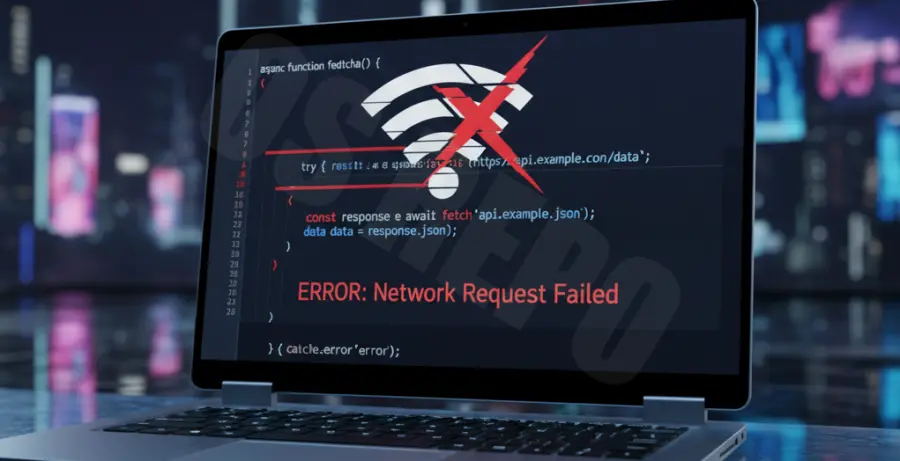
A “TypeError: Failed to fetch” is the most common symptom when a JavaScript network request fails. This generic error often masks underlying connectivity issues, particularly when dealing with unstable WiFi environments.
When WiFi drops, the browser’s network stack cannot establish a socket connection. In the developer console, you will see the request status as “failed” without an HTTP status code, because the request never reached the server.
To diagnose this, monitor the browser’s navigator.onLine property. If it returns false during the fetch call, the issue is local connectivity rather than a server-side failure.
Troubleshooting Guide
Resolving fetch failures requires distinguishing between environment issues and code errors. Use the table below to identify the root cause of your connection drop.
| Possible Cause | Identification | Recommended Fix |
|---|---|---|
| WiFi Intermittency | Request status: (failed) | Implement retry logic with exponential backoff. |
| CORS Policy | Console: Cross-Origin Error | Configure Access-Control-Allow-Origin headers. |
| DNS Resolution | Net::ERR_NAME_NOT_RESOLVED | Flush DNS cache or check router settings. |
| Request Timeout | Net::ERR_CONNECTION_TIMED_OUT | Increase AbortController timeout duration. |
You can verify the network path via the command line to ensure the failure isn’t a DNS issue caused by the WiFi router.
# Test connectivity to the API endpoint
ping api.example.com
# Check if the site is reachable via curl
curl -I https://api.example.com
Handling Fetch Errors in Code
JavaScript’s fetch() only rejects a promise when a network error occurs. You must use a try...catch block to handle these specific WiFi drops gracefully.
# Example structure for a robust fetch wrapper
async function safeFetch(url) {
  try {
    const response = await fetch(url);
    if (!response.ok) throw new Error('Server Error');
    return await response.json();
  } catch (error) {
    console.error('Network failure detected:', error.message);
  }
}
Prevention
Preventing network failure prompts requires building resilience into your application architecture. Implementing a “stale-while-revalidate” pattern helps keep the UI functional even during brief WiFi drops.
Use Service Workers to intercept fetch requests. By caching critical assets and API responses locally, the application can serve cached data when the network is unavailable.
Always implement an AbortController for every fetch request. This prevents memory leaks and ensures that “zombie” requests don’t hang if the WiFi connection is restored and then dropped again quickly.
Finally, provide immediate UI feedback. If the offline event listener triggers, notify the user that their connection is unstable to manage expectations regarding data synchronization.