Immediate Fix
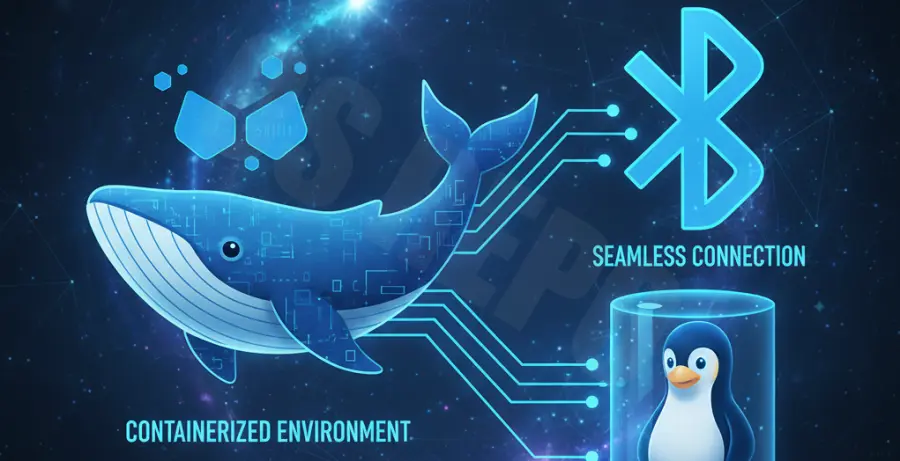
To resolve Docker Bluetooth pairing failures on a Linux host, you must bypass the standard container isolation. The container requires direct access to the host’s network stack and the D-Bus system bus.
Execute the following command to launch your container with the necessary permissions and volume mappings:
docker run -it --net=host --privileged \
-v /var/run/dbus:/var/run/dbus \
-v /var/lib/bluetooth:/var/lib/bluetooth \
ubuntu:latest /bin/bash
Once inside the container, ensure the BlueZ utilities are installed. If pairing still fails, restart the Bluetooth service on your host machine to reset the interface state.
sudo systemctl restart bluetoothTechnical Explanation
Linux manages Bluetooth devices through the BlueZ protocol stack. This stack relies on the D-Bus system bus to facilitate communication between the kernel, hardware drivers, and user-space applications.
Standard Docker containers are isolated from the host’s D-Bus and hardware. Without specific flags, the container cannot send or receive the pairing signals required by the Bluetooth controller.
| Requirement | Standard Docker | Bluetooth Passthrough |
|---|---|---|
| Network Mode | Bridge (Isolated) | Host (Direct) |
| D-Bus Access | Denied | Mounted (/var/run/dbus) |
| Permissions | User-space restricted | Privileged Mode |
Alternative Methods
Docker Compose Configuration
For reproducible environments, use a Docker Compose file. This ensures that the host network and volume mounts are consistently applied every time the service starts.
version: '3.8'
services:
  bt-service:
    image: your-bt-app
    network_mode: "host"
    privileged: true
    volumes:
      - /var/run/dbus:/var/run/dbus
      - /var/lib/bluetooth:/var/lib/bluetooth
Refined Capabilities (Non-Privileged)
If your security policy forbids --privileged mode, you can attempt to grant specific capabilities. However, this method may require manual tuning of the host’s AppArmor or SELinux profiles.
docker run --net=host \
--cap-add=NET_ADMIN \
--cap-add=SYS_ADMIN \
-v /var/run/dbus:/var/run/dbus \
your-image
Note that mapping /var/lib/bluetooth is critical if you want pairing information to persist after the container is deleted. This allows the container to reuse existing bonding keys stored on the host.