Symptoms & Diagnosis: Identifying EC2 API Polling Battery Drain
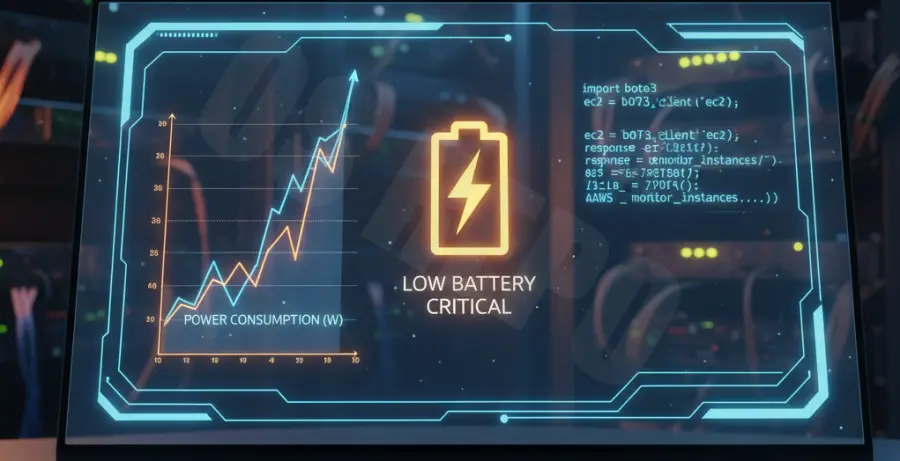
Frequent AWS EC2 API polling triggers constant network activity and prevents your CPU from entering low-power sleep states. This results in rapid battery depletion on laptops and mobile devices used for cloud management.
You may notice the “aws-cli” or your custom SDK script consuming high energy in your Activity Monitor or Task Manager. System logs often show a high frequency of “DescribeInstances” or “DescribeStatus” calls occurring every few seconds.
Troubleshooting Guide: Reducing Power Consumption
The primary cause of battery drain is aggressive “while-true” loops that poll the AWS API without sufficient delay or backoff strategies. You must identify the specific script or service causing the overhead using the following commands.
Step 1: Auditing Local API Requests
Check your local network logs to see how often your machine communicates with the EC2 endpoint. High-frequency bursts indicate a polling issue.
# Monitor outgoing AWS CLI requests in real-time
export AWS_CA_BUNDLE=/etc/ssl/certs/ca-certificates.crt
tcpdump -i any port 443 | grep "ec2.amazonaws.com"
Step 2: Implementing Exponential Backoff
Instead of constant intervals, implement a jittered exponential backoff. This reduces the number of requests as the wait time increases between failed or redundant checks.
| Polling Method | CPU Impact | Battery Drain |
|---|---|---|
| Standard While Loop | High | Severe |
| Fixed Interval (60s) | Medium | Moderate |
| Exponential Backoff | Low | Minimal |
Step 3: Migrating to Waiters
Use built-in AWS SDK “waiters” which are optimized for resource efficiency. They poll at pre-defined, throttled intervals specifically designed to reduce resource overhead.
# Example using AWS CLI waiter to stop polling manually
aws ec2 wait instance-running --instance-ids i-1234567890abcdef0
Prevention: Moving to Event-Driven Architecture
- Use Amazon EventBridge: Push state changes to your client via WebSockets or SNS instead of asking the API for updates.
- Adjust Poll Intervals: Never poll faster than every 60 seconds for non-critical monitoring tasks.
- Enable CloudWatch Alarms: Let AWS monitor the instance and send a single notification when a threshold is met.
- Cache API Responses: Store instance metadata locally with a Short-Term-TTL to avoid redundant “Describe” calls.