Symptoms & Diagnosis
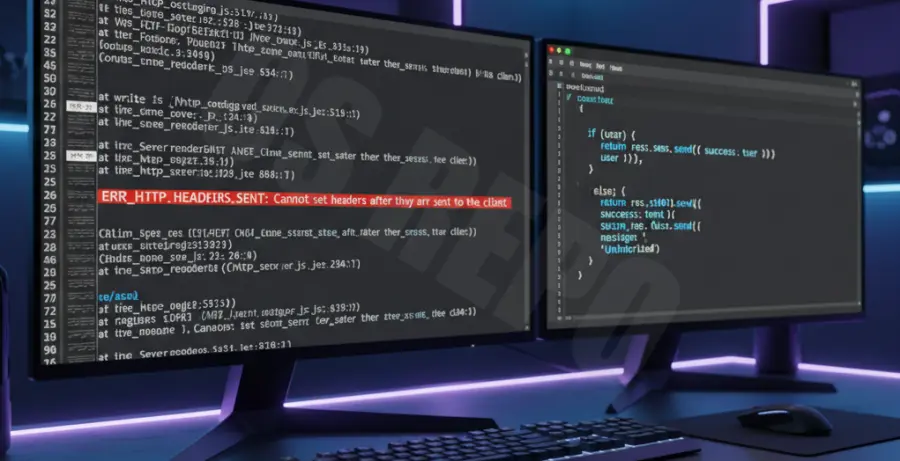
The ERR_HTTP_HEADERS_SENT error is a common Node.js runtime exception. it occurs when the server attempts to send a response header to the client after a response has already been dispatched.
In your terminal, you will typically see the message: “Error [ERR_HTTP_HEADERS_SENT]: Cannot set headers after they are sent to the client.” This usually points to a logical flaw in your route handlers or middleware.
This error is non-recoverable and will often crash your Node.js process if not caught. It indicates that your code is trying to execute res.send(), res.json(), or res.redirect() multiple times for a single request.
Troubleshooting Guide
To resolve this error, you must identify where your code triggers multiple responses. Use the command line to monitor your logs and trace the specific file and line number mentioned in the stack trace.
# Start your Node.js application in watch mode to catch crashes
node --watch index.js

# Look for the stack trace in the output
# Example: at ServerResponse.setHeader (node:_http_outgoing:652:11)
The most frequent cause is forgetting to exit a function after sending a response. Use the table below to identify and fix common scenarios.
| Scenario | Root Cause | Solution |
|---|---|---|
| Conditional Logic | If/Else blocks both calling res.send() | Add “return” before the response. |
| Callback Loops | Responding inside and outside a loop | Ensure response is only sent once. |
| Middleware Errors | Calling next() after res.end() | Do not call next() if response is sent. |
Implementing the “Return” Fix
The safest way to prevent this error is to always use the return keyword when invoking a response method. This ensures that the function execution stops immediately.
// Example of the correct way to handle responses in Express
app.get('/api/data', (req, res) => {
  if (!req.query.id) {
    return res.status(400).json({ error: 'Missing ID' });
  }
  res.status(200).json({ success: true });
});
Prevention
- Always Use Return: Make it a habit to write
return res.json(...)to guarantee no further code executes. - Audit Conditional Paths: Ensure that every possible branch in your logic leads to exactly one response.
- Use Linting Tools: Configure ESLint with rules like
no-unreachableto catch logical errors before deployment. - Centralized Error Handling: Pass errors to a global error handler using
next(err)instead of responding locally within complex logic.