| Issue | Primary Cause | Quick Fix |
|---|---|---|
| Browser Exit/Crash | Main thread blockage > 50ms | Implement Web Workers |
| Page Unresponsive | Infinite loops or heavy recursion | Use requestIdleCallback |
| Memory Leak | Unreleased event listeners | Proper Garbage Collection |
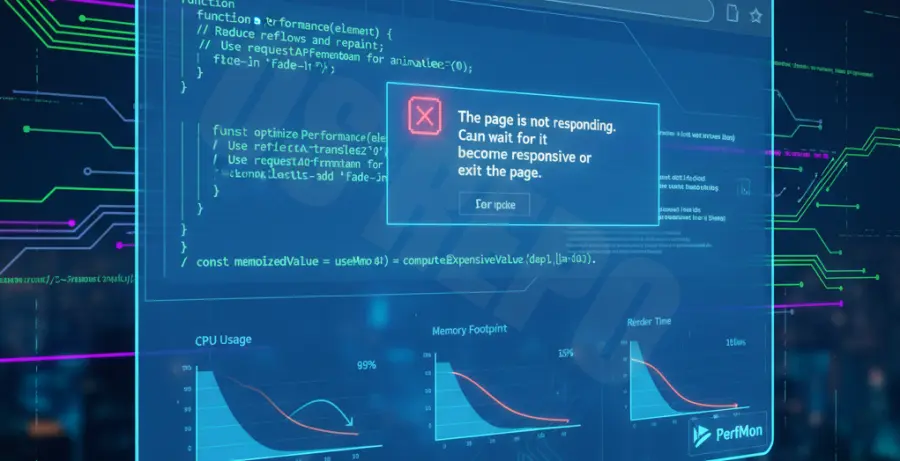
What is a JavaScript Long Task Browser Exit?
A JavaScript long task browser exit occurs when a script executes on the main thread for an extended period. Browsers typically flag any task exceeding 50 milliseconds as a “long task.”
When a script blocks the main thread, the browser cannot process user inputs or update the UI. This leads to the “Page Unresponsive” dialog. In extreme cases, the browser process reaches its resource limit and crashes to the desktop.
Modern browsers like Chrome and Firefox have built-in “Watchdogs.” If a script fails to yield control back to the browser, the watchdog terminates the process to protect system stability.
Step-by-Step Solutions
1. Offload Processing to Web Workers
The most effective way to prevent browser exits is to move heavy computations off the main thread. Web Workers allow you to run JavaScript in the background without affecting UI responsiveness.
// Example: Moving a heavy loop to a worker
const worker = new Worker('heavy-task.js');
worker.postMessage({ data: largeDataSet });
worker.onmessage = (event) => {
    console.log('Task complete:', event.data);
};
2. Breaking Tasks with Asynchronous Yielding
If you cannot use Web Workers, break large tasks into smaller chunks. You can use setTimeout to yield control back to the browser between execution blocks.
function processLargeArray(items) {
    const chunk = items.splice(0, 100);
    doWork(chunk);

    if (items.length > 0) {
        setTimeout(() => processLargeArray(items), 0);
    }
}
3. Implementing requestIdleCallback
Use the requestIdleCallback API to perform non-essential work. This tells the browser to execute the code only when it is idle, preventing frame drops and crashes.
requestIdleCallback((deadline) => {
    while (deadline.timeRemaining() > 0 && tasks.length > 0) {
        performTask(tasks.shift());
    }
});
4. Optimizing DOM Manipulations
Frequent DOM updates are a common cause of long tasks. Minimize layout thrashing by batching updates or using a Virtual DOM approach. Avoid querying offset heights inside loops.
Check your browser’s Performance tab in DevTools. Look for red triangles in the “Main” section to identify exactly which function is causing the long task.