Symptoms & Diagnosis
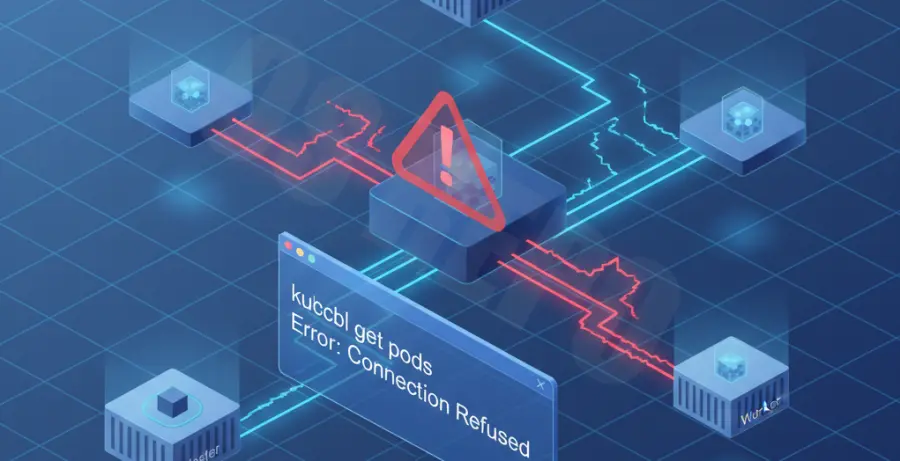
The “Connection Refused” error in Kubernetes typically occurs when a client attempts to connect to a Service, but the request never reaches a functional backend pod. Unlike a “Connection Timeout,” which suggests a network path issue, “Connection Refused” usually means the destination port is reachable but no process is listening on it.
Common symptoms include failing health checks and CLI errors when using curl or wget against a ClusterIP or NodePort. You might see output similar to the following:
curl: (7) Failed to connect to 10.96.0.10 port 80: Connection refusedTo begin your diagnosis, you must determine if the issue lies with the Service configuration, the Pod readiness, or the containerized application itself. Start by verifying the status of your resources using the following commands:
| Command | Diagnostic Purpose |
|---|---|
kubectl get svc |
Verify the Service has the correct ClusterIP and Port. |
kubectl get endpoints |
Check if the Service has successfully mapped to any Pod IP addresses. |
kubectl logs [pod-name] |
Check if the application crashed or failed to bind to the port. |
Troubleshooting Guide
1. Verify Pod Selectors
The most frequent cause of “Connection Refused” is a mismatch between the Service’s selector and the Pod’s labels. If the labels don’t match exactly, the Service will have no Endpoints.
# Check if endpoints exist for your service
kubectl get endpoints my-service-name
If the ENDPOINTS column shows none, inspect your Service YAML and Pod labels. Ensure the app: my-app label in the Service matches the template.metadata.labels in your Deployment.
2. Validate Port Mapping
Kubernetes Services involve three different ports: port (the service port), targetPort (the pod port), and containerPort (defined in the pod spec). A mismatch here will cause a refusal.
Ensure that the targetPort in your Service matches the containerPort that your application is actually listening on. If your app listens on 8080 but the Service directs traffic to 80, the connection will be refused.
# Inspect the service and pod port definitions
kubectl describe svc my-service
kubectl describe pod my-pod-name
3. Check Application Binding
Applications must listen on 0.0.0.0 (all interfaces) rather than 127.0.0.1 (localhost) inside the container. If the process binds only to localhost, it will not accept connections from the Kubernetes Service proxy.
You can test this by exec-ing into the pod and running a local check:
kubectl exec -it my-pod-name -- curl localhost:80804. Network Policies
If you are using a CNI that supports NetworkPolicies (like Calico or Cilium), an explicit deny rule might be blocking traffic. Verify that there are no ingress rules preventing the Service from reaching your Pods.
Prevention
To prevent “Connection Refused” errors in production, always implement Readiness Probes. A Readiness Probe ensures that a Pod does not receive traffic until the application is fully started and the port is open.
Use the following snippet in your Deployment spec to automate health checks:
readinessProbe:
  tcpSocket:
    port: 8080
  initialDelaySeconds: 5
  periodSeconds: 10
Additionally, utilize a service mesh or centralized logging to monitor “5xx” errors and connection drops. Implementing automated CI/CD linting for Kubernetes manifests can also catch label mismatches before they are deployed to the cluster.