Symptoms & Diagnosis
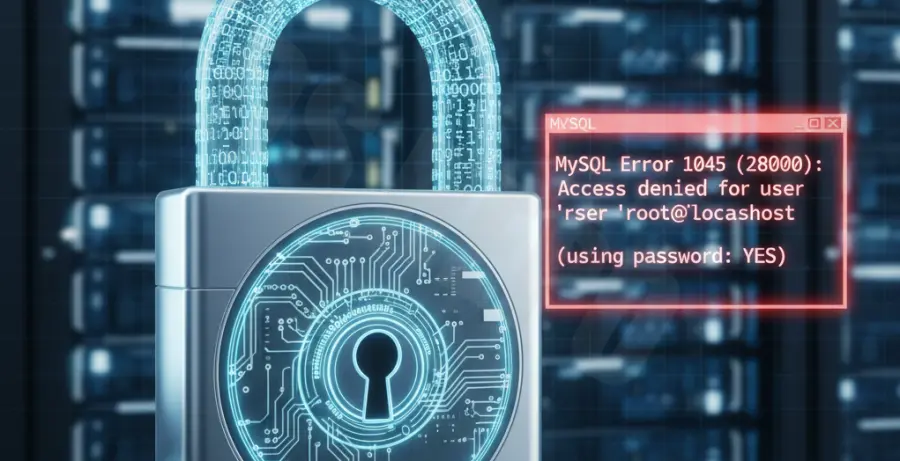
The MySQL Error 1045 (Access Denied) typically occurs when the database server rejects a login attempt. When the error specifies “using password: YES,” it confirms that the client provided a password, but the server found it invalid or the user lacks sufficient permissions.
Common symptoms include being locked out of the MySQL command line, inability to connect via phpMyAdmin, or application connection failures. This usually happens due to an incorrect password, a user connecting from an unauthorized host, or the MySQL grant tables being corrupted.
| Symptom | Possible Cause |
|---|---|
| ERROR 1045 (28000): Access denied | Incorrect username or password. |
| Access denied for ‘root’@’localhost’ | User exists but lacks privileges for the local host. |
| Plugin ‘auth_socket’ failed | MySQL is using OS-level authentication instead of a password. |
Troubleshooting Guide
The first step is to verify your credentials. If you have forgotten the root password, you must restart MySQL in safe mode to bypass the authentication layer and reset it.
Method 1: Resetting the Root Password
Stop the MySQL service and restart it with the –skip-grant-tables option. This allows you to connect without a password to update the user records.
# Stop MySQL
sudo systemctl stop mysql

# Start in Safe Mode
sudo mysqld_safe --skip-grant-tables &

# Log in without password
mysql -u root
Once inside the MySQL shell, run the following commands to update the password for the root user. Note that for MySQL 8.0+, the syntax involves the ALTER USER command.
FLUSH PRIVILEGES;
ALTER USER 'root'@'localhost' IDENTIFIED BY 'NewSecurePassword123';
FLUSH PRIVILEGES;
EXIT;
Method 2: Verify User Privileges and Hosts
Sometimes the password is correct, but the user is trying to connect from a host that isn’t authorized. In MySQL, ‘root’@’localhost’ and ‘root’@’%’ are different accounts.
# Check existing users and their allowed hosts
SELECT user, host FROM mysql.user;

# Grant permissions to a specific user
GRANT ALL PRIVILEGES ON *.* TO 'root'@'localhost' WITH GRANT OPTION;
FLUSH PRIVILEGES;
If you are using a tool like Docker or a remote workbench, ensure the ‘host’ column allows connections from your specific IP address or use the wildcard ‘%’.
Prevention
To avoid MySQL Error 1045 in the future, implement strict credential management. Avoid using the root account for daily application tasks; instead, create dedicated users with limited privileges.
Always document your passwords in a secure password manager. If you are using a Linux environment, be aware of the auth_socket plugin, which may prevent password logins for the root user unless you run commands with sudo.
Regularly backup your mysql system database. This ensures that if the grant tables become corrupted, you can restore user permissions without a full manual reset. Lastly, ensure your configuration files (like my.cnf or my.ini) do not contain conflicting “user” or “password” directives that might override your manual login attempts.