Symptoms & Diagnosis
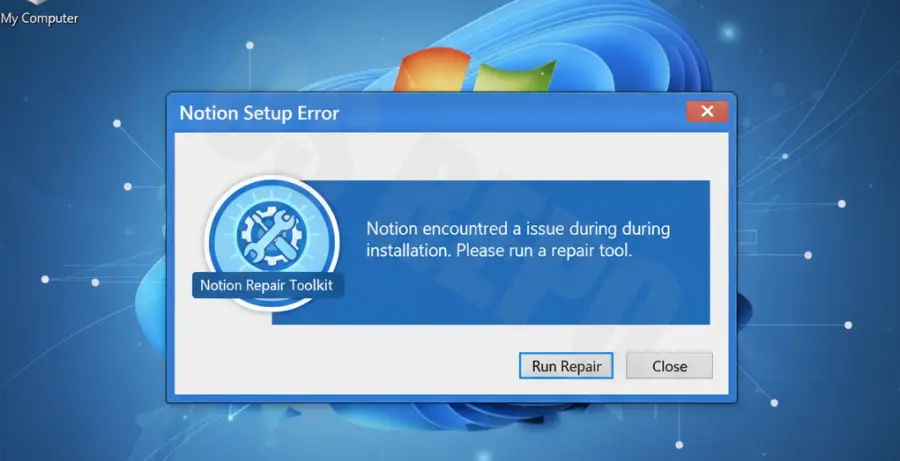
Installing Notion on Windows 7 often leads to the dreaded “Installation has failed” dialog box. This usually occurs because Windows 7 lacks modern security protocols and updated framework libraries required by the Notion Electron-based installer.
Common symptoms include a progress bar that freezes at 0% or an immediate pop-up stating that the application could not be started. You might also see errors regarding missing DLL files, such as api-ms-win-crt-runtime-l1-1-0.dll.
The diagnosis typically points to three main culprits: an outdated .NET Framework, missing SHA-2 code signing support, or a lack of the Universal C Runtime (CRT) update. Since Microsoft ended support for Windows 7, these components are no longer updated automatically.
| Symptom | Potential Root Cause | Severity |
|---|---|---|
| “Installation has failed” popup | Missing SHA-2 Security Update | High |
| Missing DLL error | Universal C Runtime missing | Medium |
| App won’t open after install | Incompatible .NET Framework version | Medium |
Troubleshooting Guide
Step 1: Install SHA-2 Support Updates
Modern apps like Notion use SHA-2 code signing. Windows 7 originally used SHA-1. You must manually install the KB4474419 and KB4490628 updates from the Microsoft Update Catalog to allow the installer to verify the Notion setup file.
Step 2: Update .NET Framework
Notion requires a modern version of the .NET Framework to function correctly. Ensure you have installed .NET Framework 4.8. Download the offline installer from the official Microsoft website and restart your PC after installation.
Step 3: Clean the AppData Folder
If a previous failed installation left behind corrupted files, the new installation will continue to fail. You need to clear the local cache before trying again.
# Run these commands in the Command Prompt (cmd)
del /q /s %localappdata%\Notion\*
rmdir /s /q %localappdata%\Notion-Update
Step 4: Use the Web Version Fallback
Notion has officially deprecated support for Windows 7. If the desktop app remains unstable despite the updates, the most reliable fix is using Notion via a modern browser like Chrome or Edge. You can “Install” the web page as an app (PWA) to get a desktop-like experience.
Prevention
To prevent future installation failures, always run the installer as an Administrator. Right-click the Notion Setup.exe file and select “Run as administrator” to bypass permission-related blocks in the ProgramData folders.
Keep your system as updated as possible. While Windows 7 is “End of Life,” ensuring you have the final Service Pack 1 and all secondary security patches installed will provide the highest compatibility for legacy software environments.
Finally, consider upgrading to Windows 10 or 11. Notion’s architecture is built on the Electron framework, which is increasingly dropping support for older operating systems, meaning future versions of Notion may stop working entirely on Windows 7.