Immediate Fix: How to Resolve Notion Installation Errors
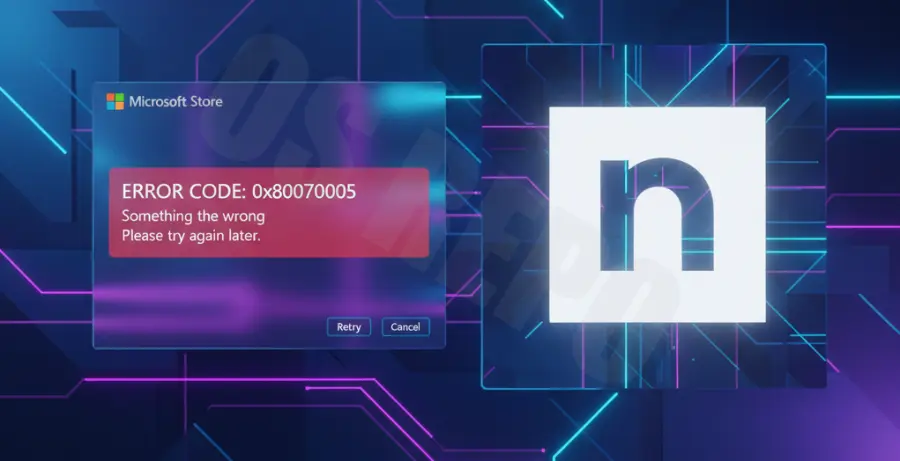
If Notion refuses to install from the Microsoft Store, the fastest solution is to reset the Microsoft Store cache. This clears temporary data that often causes “Pending” or “Error” messages during the download process.
Follow these steps to perform a hard reset of the Store services:
wsreset.exePress Windows Key + R, type the command above into the Run dialog, and press Enter. A blank Command Prompt window will appear. Wait for it to close automatically and for the Microsoft Store to reopen.
Repair and Reset the Store App
If the cache reset fails, you should repair the application package via Windows Settings. This fixes corrupted system files without deleting your local data.
| Method | Action | When to Use |
|---|---|---|
| Repair | Settings > Apps > Microsoft Store > Advanced Options > Repair | If the app opens but won’t download. |
| Reset | Settings > Apps > Microsoft Store > Advanced Options > Reset | If the app crashes or fails to launch. |
After performing a Reset, restart your PC and try searching for Notion in the Store again.
Technical Explanation: Why the Microsoft Store Fails
The Microsoft Store relies on several background services, primarily the Windows Update Service (wuauserv) and the Background Intelligent Transfer Service (BITS). If these services are disabled or desynchronized, the Store cannot verify your license or download the Notion package.
Another common technical hurdle is the Software Distribution folder. This is where Windows stores temporary update files. If this folder becomes bloated or contains corrupted fragments of a previous Notion installation, the new installation will be blocked by the system’s integrity check.
Finally, regional settings or an outdated “Gaming Services” component (which the Store uses for app delivery) can cause a mismatch in the manifest file, leading to the “Try again later” loop.
Alternative Methods to Install Notion
If the Microsoft Store remains unresponsive, you can bypass it entirely. The direct installer provided by Notion is often more stable and receives updates directly from the developers.
1. Direct Desktop Installer
Visit the official Notion Download page. Select the “Download for Windows” option. This downloads a standard .exe installer that manages its own dependencies, bypassing the Windows Store framework.
2. Re-registering the Store via PowerShell
For users who prefer the Store version, you can force-reinstall the Store components using an elevated PowerShell command. This fixes deeper registry issues.
Get-AppXPackage -AllUsers | Foreach {Add-AppxPackage -DisableDevelopmentMode -Register "$($_.InstallLocation)\AppXManifest.xml"}Run this command in PowerShell as an Administrator. It will re-scan and re-register every system app, including the Microsoft Store, potentially clearing the path for Notion.