Symptoms & Diagnosis
The kcferrordomaincfnetwork error 310 is a technical status code that indicates a “Too Many Redirects” loop. When Safari attempts to load a URL, the server sends it to a second URL, which then sends it back to the first, creating an infinite cycle.
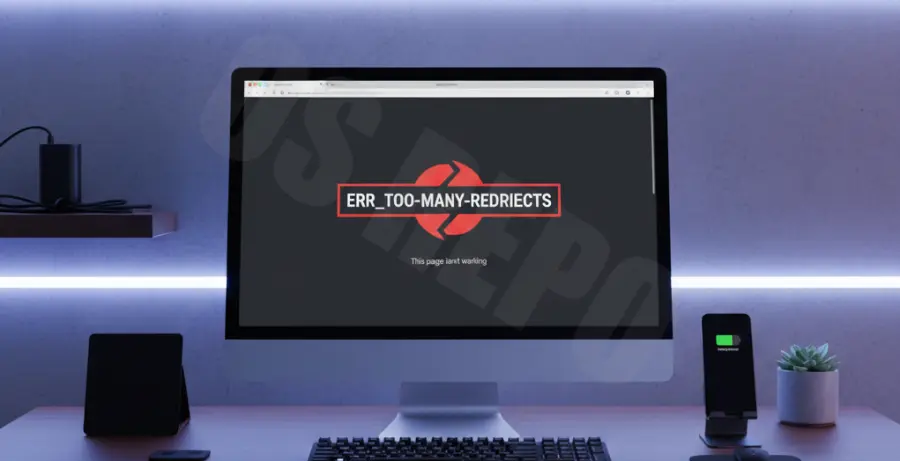
Common symptoms include the Safari progress bar getting stuck at roughly 15%, or a pop-up stating “Safari can’t open the page.” Users often report the address bar flickering as it rapidly switches between different URLs.
To diagnose the cause, try opening the website in a Private Window. If it loads, the issue is likely rooted in your local browser cache or corrupted cookies rather than a server-side failure.
Troubleshooting Guide
Fixing this error requires clearing the path between your browser and the host server. Use the table below to identify the most likely culprit based on your situation.
| Action Item | Primary Target | Success Rate |
|---|---|---|
| Clear Website Data | Corrupted Cookies | High |
| Flush DNS | Stale IP Routing | Medium |
| Disable Extensions | Ad-blocker interference | Medium |
1. Clear Specific Website Data
You do not need to delete your entire browsing history. Go to Safari > Settings > Privacy > Manage Website Data.
Search for the specific website that is triggering the error. Select the entry and click Remove. This clears the redirect instructions stored in your local cookies.
2. Reset Network DNS Cache
Sometimes your Mac remembers an old path to a website that no longer exists. You can force macOS to find a fresh route by flushing the DNS cache via the Terminal app.
sudo dscacheutil -flushcache; sudo killall -HUP mDNSResponderEnter your admin password when prompted. Once complete, restart Safari and attempt to visit the site again.
3. Check Date and Time Settings
If your system clock is out of sync with the website’s server, security certificates may fail, leading to an infinite redirect loop. Ensure “Set date and time automatically” is enabled in your System Settings.
Prevention
To prevent the kcferrordomaincfnetwork error 310 from recurring, keep your macOS and Safari versions up to date. Apple frequently releases patches for the CFNetwork framework to handle redirect protocols more efficiently.
Avoid using multiple VPNs or proxy services simultaneously. These services often conflict with one another, rewriting header requests in a way that confuses Safari’s redirect handling logic.
Lastly, if you are a web developer seeing this error on your own site, check your .htaccess file or Nginx configuration for circular rewrite rules, particularly when migrating from HTTP to HTTPS.