Symptoms & Diagnosis
Java 21 introduces powerful features like Virtual Threads and Generative ZGC, but misconfiguration can lead to significant battery drain and intensive CPU usage. Users often report their laptop fans spinning at maximum speed immediately after launching a Java 21 application.
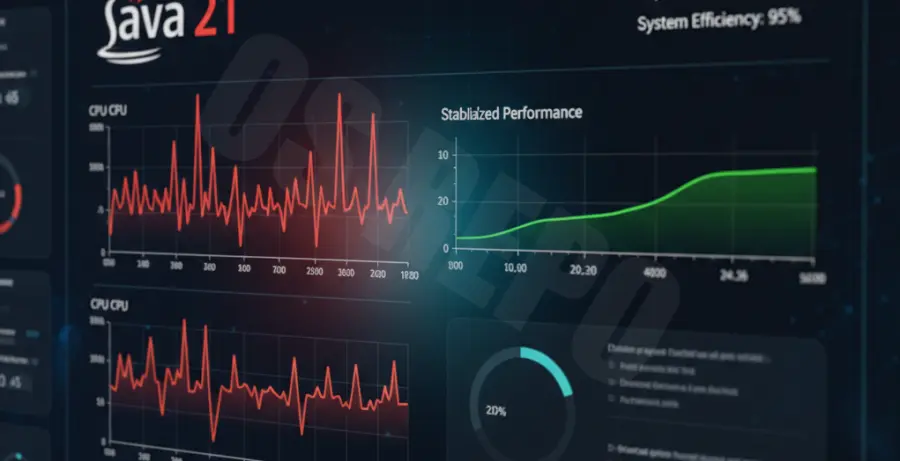
To diagnose the issue, you must first distinguish between normal JIT (Just-In-Time) compilation spikes and sustained resource leakage. A sustained CPU usage above 20% on an idle application is a primary indicator of a configuration conflict.
| Metric | Normal Behavior | Abnormal (Issue Detected) |
|---|---|---|
| Idle CPU Usage | 0.1% – 2% | 15% – 40% |
| Battery Discharge Rate | 8W – 12W | 25W – 50W+ |
| Thread Count | Stable | Rapidly climbing (Virtual Thread Leak) |
Troubleshooting Guide
The first step in fixing Java 21 CPU spikes is identifying which threads are consuming cycles. You can use native tools to pinpoint the exact process ID causing the drain.
# Identify high CPU Java processes
top -H -p [YOUR_PID]

# Check for thread dumps to see if Virtual Threads are pinned
jstack [YOUR_PID] > thread_dump.txt
Optimizing the Garbage Collector
Java 21 defaults to G1GC in many environments, but for mobile or battery-sensitive development, Generative ZGC is often more efficient at returning memory to the OS, reducing CPU overhead during collection cycles.
Try switching to Generative ZGC with the following flags to lower the CPU baseline:
java -XX:+UseZGC -XX:+ZGenerational -Xms512m -Xmx2g -jar app.jarManaging Virtual Thread Pinning
Virtual threads are a highlight of Java 21, but “pinning” occurs when a virtual thread is stuck to an OS thread during a synchronized block or native call. This forces the JVM to create more carrier threads, skyrocketing CPU usage.
Monitor pinning by adding this system property to your execution command:
-Djdk.tracePinnedThreads=fullPrevention
To prevent future Java 21 battery drain, always limit the parallelism of the ForkJoinPool if you are working on a machine with limited thermal headroom. By default, Java attempts to utilize all available cores, which is aggressive for battery-powered devices.
Use the following parameter to cap the common pool size:
-Djava.util.concurrent.ForkJoinPool.common.parallelism=4Keep your vendor-specific JDK (like Temurin or Amazon Corretto) updated. Java 21.0.1 and 21.0.2 included specific patches for CPU regression issues related to the C2 compiler and specific Linux kernel interactions.
Finally, utilize an IDE profiler like JVisualVM or YourKit regularly to ensure that background tasks are actually sleeping when the UI is idle.