Symptoms & Diagnosis
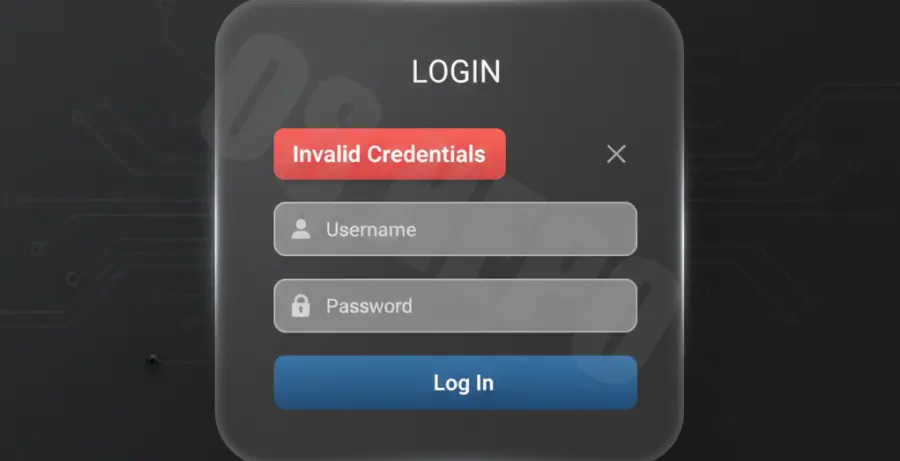
The most common symptom of a failed React login is a silent failure where the UI remains static after clicking the submit button. Users often find themselves confused when the application does not provide immediate feedback for incorrect credentials.
To diagnose the issue, open your browser’s Developer Tools (F12) and navigate to the Network tab. Look for failed requests. A status code of 401 Unauthorized usually indicates that the credentials provided do not match any records in the database.
Identifying Error Patterns
| Status Code | Meaning | UI Response Action |
|---|---|---|
| 401 | Unauthorized | Display “Invalid email or password” |
| 403 | Forbidden | Display “Account locked or unverified” |
| 429 | Too Many Requests | Implement a countdown/cooldown timer |
Troubleshooting Guide
Start by ensuring your try...catch block properly wraps your asynchronous login request. Without this, a rejected promise will crash your application or leave the “loading” state active forever.
Check your state management logic. Ensure that you are clearing any previous error messages when the user starts typing again. This prevents old error alerts from lingering on the screen.
// Check your API response handling
try {
  const response = await axios.post('/api/login', credentials);
  setToken(response.data.token);
} catch (error) {
  if (error.response && error.response.status === 401) {
    setErrorMessage("The credentials you entered are incorrect.");
  }
}
Verify that the backend is sending a structured JSON response. If the server sends a plain text error, your response.data might be undefined, causing a secondary frontend crash during the error handling phase.
Prevention
The best way to handle invalid credentials is to prevent unnecessary requests. Use client-side validation to ensure the email format is correct and the password field is not empty before hitting the API.
Install a validation library like Yup or Zod to manage complex form schemas. This ensures your data is sanitized and valid before it leaves the client environment.
npm install formik yup
Implement a “Submit” button toggle. Disable the button immediately after it is clicked to prevent multiple identical requests, which can lead to race conditions and inconsistent error messaging.
Finally, ensure your backend does not leak sensitive information. For example, use generic messages like “Invalid email or password” instead of specific ones like “User not found,” which could be exploited for user enumeration attacks.