| Issue | Severity | Time to Fix |
|---|---|---|
| iPad Pro Bluetooth Pairing Failed | Moderate | 5-10 Minutes |
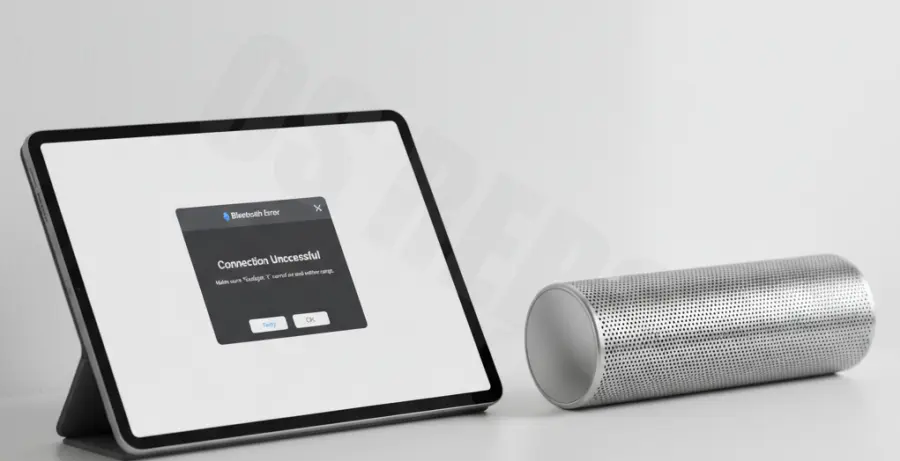
What is iPad Pro won’t pair with Bluetooth speaker?
This issue occurs when an iPad Pro fails to establish a wireless handshake with an external audio device. It is typically caused by software glitches, signal interference, outdated iPadOS firmware, or the speaker remaining stuck in a previous pairing session.
Step-by-Step Solutions
1. Toggle Bluetooth and Restart
Start by refreshing the wireless radio on your iPad Pro. Swipe down from the top-right corner to open Control Center, toggle Bluetooth off, wait ten seconds, and turn it back on.
Perform a forced restart on your iPad Pro by quickly pressing Volume Up, then Volume Down, and holding the Power button until the Apple logo appears.
2. Forget and Re-pair the Device
If the speaker appears in your list but won’t connect, you must clear the corrupted cache. Navigate to Settings > Bluetooth and tap the “i” icon next to your speaker name.
- Select “Forget This Device” and confirm.
- Put your Bluetooth speaker into “Pairing Mode” (usually indicated by a blinking light).
- Select the speaker from the “Other Devices” list on your iPad.
3. Reset Network Settings
If the iPad Pro continues to fail, resetting the network stack can resolve deep-seated configuration errors. Note that this will also clear saved Wi-Fi passwords.
# Navigation Path:
Settings > General > Transfer or Reset iPad > Reset > Reset Network Settings
4. Check for iPadOS Updates
Apple frequently releases patches for Bluetooth stability. Ensure your tablet is running the latest version of iPadOS to maintain compatibility with newer Bluetooth 5.0+ speakers.
Go to Settings > General > Software Update to check for pending installations.