Symptoms & Diagnosis
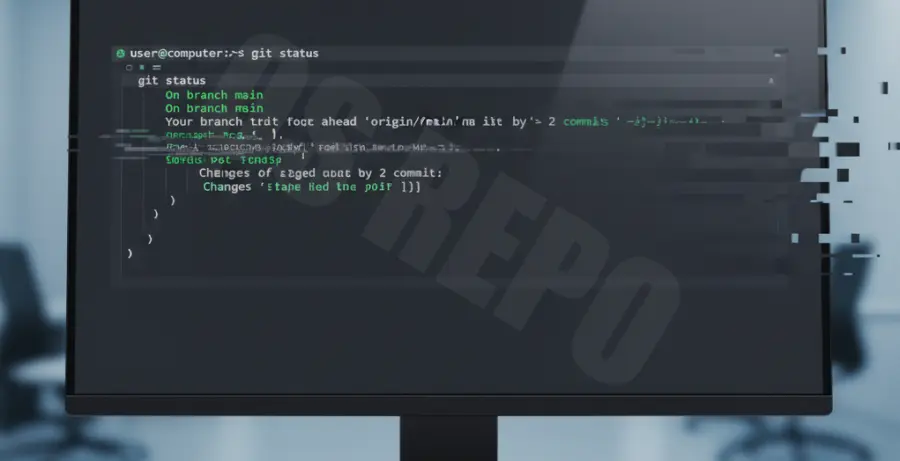
Git Bash users on Windows often encounter a distracting visual glitch where the terminal window flashes, stutters, or shows white artifacts during scrolling. This typically happens when navigating long git log outputs or using editors like Vim within the terminal.
Common symptoms include horizontal lines appearing momentarily, text jumping positions, or a strobe-like effect when using the mouse wheel. This is usually caused by a conflict between the Mintty terminal emulator and hardware acceleration or incorrect terminal rendering settings.
Troubleshooting Guide
To resolve the flickering, we need to adjust how the terminal handles the display buffer and text rendering. Follow these steps to stabilize your environment.
Method 1: Update Terminal Rendering Settings
The most common fix involves changing the “Type” of rendering used by the terminal. Right-click the Git Bash title bar and select Options.
Navigate to Terminal and look for the “Type” settings. Try switching between “vt100” and “xterm-256color”. Additionally, go to Window -> UI and ensure “GPU acceleration” is toggled if available, or disabled if it is currently causing issues.
Method 2: Adjusting the Configuration File
You can manually force specific rendering behaviors by editing the .minttyrc file located in your user home directory. Open the file and add or modify the following lines:
# Open your config file
nano ~/.minttyrc

# Add these lines to stabilize rendering
Term=xterm-256color
Buffered=yes
RewriteOldStyle=no
Comparison of Common Fixes
| Fix Category | Action Required | Success Rate |
|---|---|---|
| Rendering Engine | Switch to xterm-256color | High |
| Scrollback Buffer | Reduce buffer size to 10000 lines | Medium |
| Hardware | Disable Windows “Transparency Effects” | Low |
Prevention
To prevent the flickering from returning, ensure your Git for Windows installation is kept up to date. Newer versions include bundled Mintty updates that address compatibility issues with high-refresh-rate monitors.
Consider migrating to the Windows Terminal as your primary host for Git Bash. Windows Terminal uses a more modern DirectX-based rendering engine that is significantly more stable than the legacy Mintty interface. You can integrate Git Bash into Windows Terminal by adding the profile path to your settings JSON.
Finally, avoid using custom font smoothing software or third-party “glass” window effects, as these frequently interfere with the terminal’s ability to redraw the screen efficiently during rapid scrolling.