Symptoms & Diagnosis
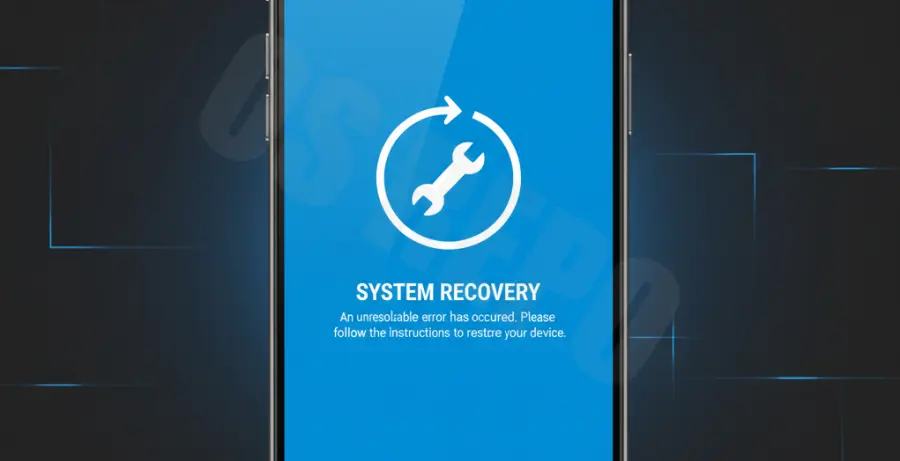
An Android 15 Blue Screen of Death (BSOD) typically indicates a critical system failure or a kernel panic. Unlike the traditional Windows BSOD, this error on mobile devices often results in a frozen screen or an infinite boot loop.
Common symptoms include the device becoming unresponsive, displaying a solid blue tint, or suddenly crashing during high-performance tasks. This is frequently seen in early Beta builds of Android 15.
| Symptom | Possible Cause |
|---|---|
| Static Blue Screen | Kernel Panic / Hardware Failure |
| Flickering Blue Display | Display Driver Corruption |
| Blue Screen then Reboot | System Partition Error |
Troubleshooting Guide
If your device is stuck on a blue screen, the first step is to perform a hard reset. This interrupts the power cycle and clears the temporary system cache that might be causing the hang.
Step 1: Force Restart
Press and hold the Power button and Volume Down button simultaneously for at least 15 seconds. Release them once the manufacturer logo appears on the screen.
Step 2: Boot into Safe Mode
If the device reboots but quickly returns to the blue screen, a third-party app may be the culprit. Booting into Safe Mode disables all non-essential applications.
To enter Safe Mode, hold the Power button, then long-press the “Power Off” icon on the screen until the “Reboot to Safe Mode” prompt appears.
Step 3: Use ADB to Clear Cache
For advanced users, connecting the device to a PC and using the Android Debug Bridge (ADB) can help identify the error log or force a recovery reboot.
# Check if the device is recognized
adb devices

# Reboot the device into Recovery Mode
adb reboot recovery
Step 4: Factory Reset via Recovery
If software troubleshooting fails, you may need to wipe the data partition. Navigate the Recovery menu using volume keys and select “Wipe data/factory reset.” Warning: This deletes all local data.
Prevention
To prevent future occurrences of the Android 15 blue screen, ensure you are running the most stable version of the OS. Avoid sideloading experimental system modules or kernel tweaks.
Regularly monitor your storage levels. A completely full system partition can prevent the OS from writing essential temporary files, leading to a critical crash.
Always opt-out of the Android Beta Program if your device is a primary daily driver, as these builds are prone to the stability issues that cause BSOD events.