Symptoms & Diagnosis
The “Safari 404 Not Found” error is a standard HTTP response code indicating that the browser could communicate with the server, but the server could not find the specific page requested.
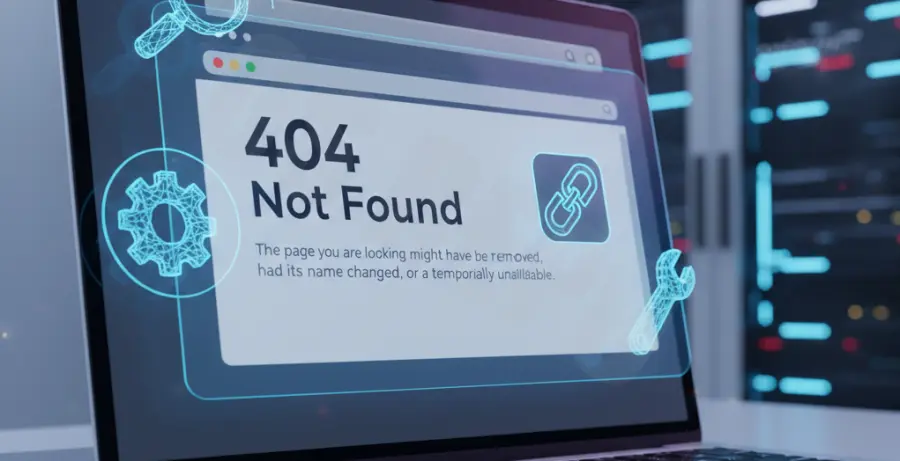
On macOS or iOS, this usually appears as a plain white screen with the text “404 Not Found” or a custom-designed error page provided by the website owner.
Common symptoms include the address bar showing the correct URL while the page content remains missing. It is important to distinguish if this is a global issue or specific only to your local Safari installation.
Troubleshooting Guide
1. Clear Safari History and Website Data
Cached files can sometimes point to outdated directory structures, leading to a 404 error even if the page has moved. Use the following table to identify what to clear:
| Data Type | Impact on Error | Recommended Action |
|---|---|---|
| Browser Cache | High – Stores old page versions. | Clear immediately. |
| Cookies | Medium – May cause session conflicts. | Clear if refresh fails. |
| History | Low – Reference to old links. | Clear to reset suggestions. |
2. Flush the DNS Cache
If the website recently moved to a new server, your Mac might still be looking at the old IP address. You can force a refresh using the Terminal.
sudo dscacheutil -flushcache; sudo killall -HUP mDNSResponder3. Test in a Private Window
Open a Private Window (Command + Shift + N). If the page loads, a Safari extension or a corrupted cookie is likely the culprit.
4. Check for URL Typos
The most common cause of a 404 error is a simple mistyped character in the address bar. Double-check the spelling, slashes, and file extensions (.html vs .php).
Prevention
To avoid frequent 404 errors in Safari, ensure your browser is always updated to the latest version of macOS or iOS. Updates often include fixes for networking protocols.
If you are a site owner, implement 301 redirects for any deleted or moved content to guide Safari users to the correct destination automatically.
Regularly audit your bookmarks. Links that worked a year ago may no longer exist, leading to frustrating “Not Found” messages during your daily browsing.