Immediate Fix: Use the “Erase iPad” Feature
If your iPad Pro is running iPadOS 15.2 or later and is connected to a cellular or Wi-Fi network, you can fix the security lockout directly from the lock screen. This is the fastest way to regain access without needing a computer.
| Requirement | Description |
|---|---|
| Operating System | iPadOS 15.2 or newer |
| Connectivity | Active Wi-Fi or Cellular data |
| Credentials | Apple ID and Password used on the device |
To start, enter the wrong passcode until the “Security Lockout” or “iPad Unavailable” screen appears. Tap the Erase iPad button at the bottom of the screen. Confirm your choice and enter your Apple ID password to begin the factory reset process.
Technical Explanation
The “Security Lockout” state is a protective measure designed to prevent brute-force attacks. After five failed attempts, the iPad initiates a timed lockout. If the failures continue, the device enters a permanent lockout state to ensure data encryption remains uncompromised.
Technically, the device enters a “restricted” mode where the user partition is inaccessible. While standard UI features are disabled, the kernel still listens for specific Apple-signed recovery commands via the Lightning or USB-C port.
# Technical check for device state via command line (Recovery Mode)
idevicerestore --list
# Expected Output: Identifying iPad Pro in 'Recovery' or 'Restore' mode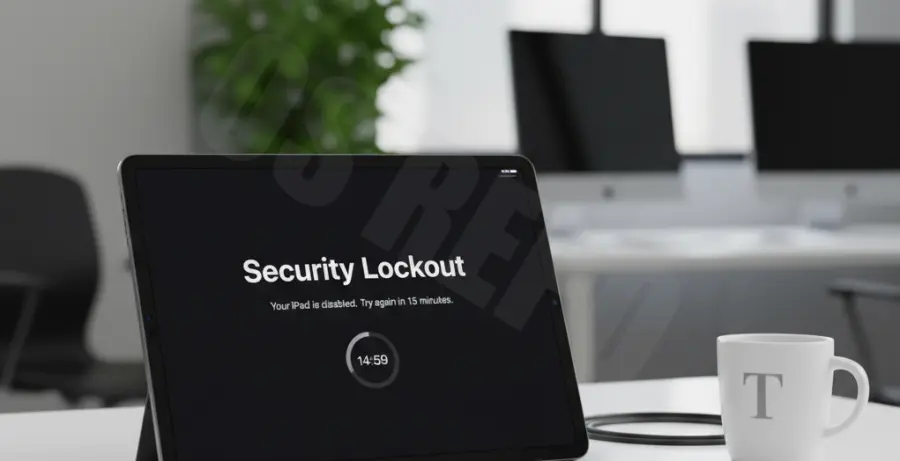
Alternative Methods
1. Use Recovery Mode (PC or Mac)
If you don’t see the “Erase iPad” option, you must use a computer. Connect your iPad Pro to your Mac or PC using a USB-C cable. Quickly press and release the Volume Up button, then the Volume Down button, and finally press and hold the Top button until the recovery mode screen appears.
Open Finder on Mac or iTunes on Windows. Select your iPad and choose “Restore” from the prompt. This will download the latest iPadOS firmware and wipe the device settings, including the forgotten passcode.
2. Use “Find My” App
If you have another Apple device, open the “Find My” app and select your locked iPad Pro from the Devices list. Choose Erase This Device. This sends a remote wipe command over the internet, effectively removing the security lockout once the device reconnects to a network.
Note: All alternative methods will erase your data. Once the process is finished, you can restore your files from an iCloud or local backup during the initial setup phase.