| Fix Method | Estimated Time | Difficulty |
|---|---|---|
| Force Restart | 1 Minute | Beginner |
| Safe Mode Boot | 5 Minutes | Intermediate |
| Factory Reset (Recovery) | 15 Minutes | Advanced |
| Professional Repair | 1-3 Days | Expert |
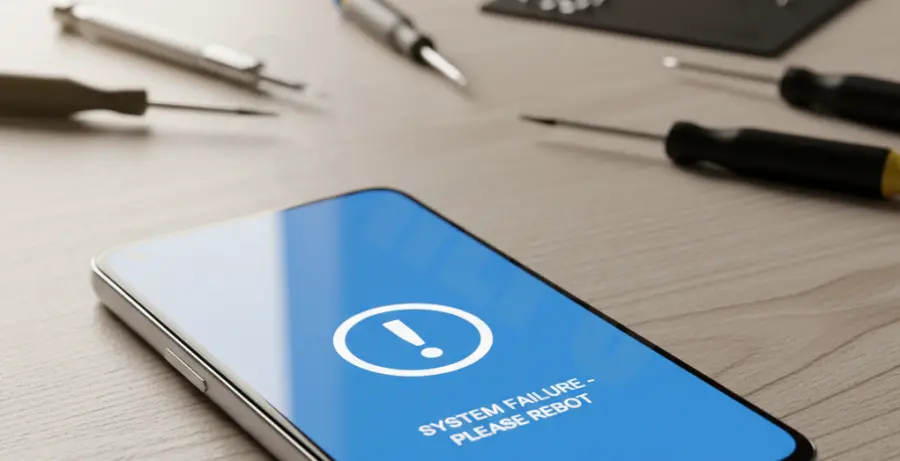
What is the Pixel 9 Blue Screen (BSOD)?
The Pixel 9 Blue Screen of Death (BSOD) is a critical system error where the display turns solid blue or freezes during bootup. This issue typically indicates a communication failure between the Android OS and the hardware components.
Software glitches, corrupted system updates, or incompatible apps often trigger this state. In some cases, it may signal a loose internal display connector or a failing motherboard component.
Step-by-Step Solutions
1. Perform a Forced Restart
The first step is to break the power cycle. This clears the temporary memory and forces the hardware to re-initialize.
Press and hold the Power button and the Volume Up button simultaneously for at least 30 seconds. Release them only when the Google logo appears.
2. Boot into Safe Mode
If the blue screen is caused by a third-party application, Safe Mode will bypass it. This allows you to uninstall the problematic software.
While the device is off, press the Power button. As soon as the animation starts, press and hold the Volume Down button until the device finishes booting. Look for “Safe Mode” at the bottom of the screen.
3. Use Recovery Mode and ADB
If the UI is unresponsive, you can use the Android Debug Bridge (ADB) to command the device from a computer. This is useful for wiping the cache or initiating a reset.
# To check if your device is recognized
adb devices

# To reboot the device into recovery mode
adb reboot recovery
Once in Recovery Mode, use the volume keys to navigate to “Wipe data/factory reset” and press the Power button to confirm. Note: This will erase all data.
4. Check for Physical Damage
If software fixes fail, the issue might be hardware-related. Inspect the screen for hairline cracks or pressure spots. If the Pixel 9 was recently dropped, the display ribbon cable may have disconnected.
For hardware failures, contact Google Support or an authorized repair center to avoid voiding your warranty.