Symptoms & Diagnosis
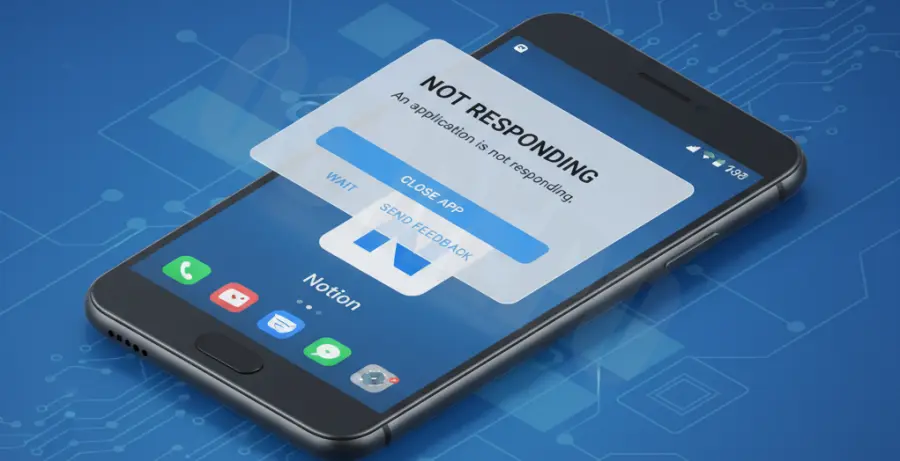
Android users often encounter specific patterns when Notion stops responding. These symptoms range from “ghost touches” where the app registers input but does not move, to “Force Close” (FC) loops that kick you back to the home screen.
Diagnosis begins with identifying if the crash is consistent or random. If the app crashes only when opening a specific large database, the issue is likely memory-related. If it crashes upon launch, it points to a corrupt local cache or an outdated System WebView.
Troubleshooting Guide
To resolve Notion instability, we recommend following a tiered approach. Most Android issues stem from temporary data conflicts or system-level dependencies that Notion requires to render its interface.
| Fix Method | Success Rate | Data Loss Risk |
|---|---|---|
| Clear Cache | High | None |
| Update WebView | Medium | None |
| Reinstall App | Guaranteed | Low (Synced) |
Update Android System WebView
Notion uses a web-wrapper architecture on Android. This means it relies heavily on the “Android System WebView” component. If this system app is outdated, Notion will crash or show a blank white screen.
Navigate to the Google Play Store, search for “Android System WebView,” and ensure it is updated to the latest version. If it is already updated, try “Uninstalling Updates” and then updating it again to clear its internal state.
Force Stop and Clear Cache
Accumulated temporary files can become corrupted. To fix this, go to Settings > Apps > Notion. Tap “Force Stop,” then navigate to “Storage” and select “Clear Cache.” Do not select “Clear Data” unless you are prepared to log back into your account.
If you are an advanced user using ADB for debugging, you can force-clear the package state via terminal:
adb shell pm clear notion.idPrevention
Preventing future crashes requires managing how Android handles background resources. First, exclude Notion from “Battery Optimization” settings. This ensures the system doesn’t kill the Notion process while it is syncing large blocks of data.
Second, avoid using the Notion Beta program if you require 100% stability. Beta builds often contain experimental features that have not been optimized for every Android chipset. Stick to the stable release for production work.
Finally, keep at least 1GB of internal storage free. Notion stores a significant amount of data locally to speed up navigation; if your device storage is full, the app will fail to write new cache files and crash.