Symptoms & Diagnosis
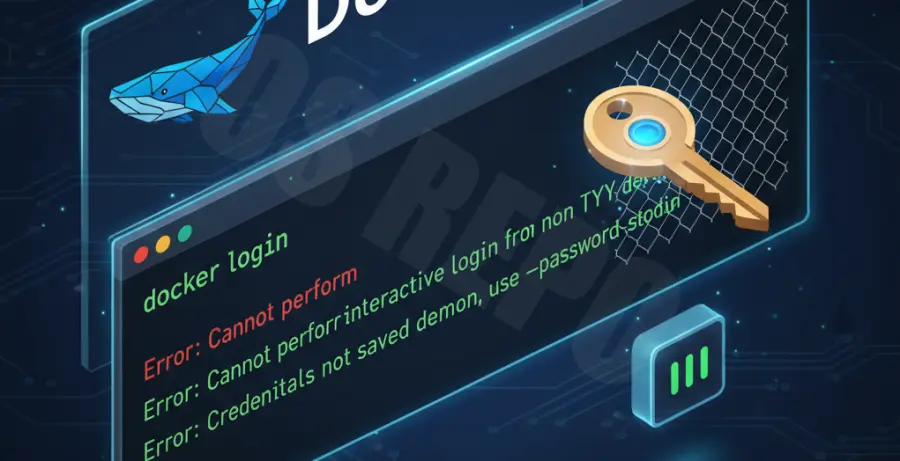
When running the docker login command, the terminal may hang indefinitely, return an immediate EOF error, or fail to prompt for a password. This typically happens when the terminal environment does not support interactive TTY or when there is a conflict with the underlying credential store.
Common symptoms include the command returning “Inappropriate ioctl for device” or “Error: Cannot perform an interactive login from a non TTY device.” This is particularly frequent in CI/CD pipelines, SSH sessions, or when using wrappers like Git Bash on Windows.
| Error Message | Possible Cause |
|---|---|
| EOF (End of File) | The shell closed the input stream before data was provided. |
| Inappropriate ioctl for device | The command is expecting a terminal (TTY) that isn’t available. |
| Credentials store error | The Docker desktop helper or system keychain is locked. |
Troubleshooting Guide
1. Use Non-Interactive Login
The most reliable way to bypass interactive mode issues is to pipe the password via standard input. This avoids the need for a TTY prompt entirely.
echo "YOUR_PASSWORD" | docker login --username YOUR_USERNAME --password-stdinThis method is safer than using the -p flag, as it prevents your password from appearing in the shell history (~/.bash_history).
2. Clear the Docker Config File
Sometimes the ~/.docker/config.json file becomes corrupted or contains invalid credential helper settings. Try renaming the file to reset the configuration.
mv ~/.docker/config.json ~/.docker/config.json.bakAfter moving the file, try running the login command again. Docker will regenerate a clean configuration file.
3. Verify Credential Helper Installation
If your config.json specifies a credsStore like “desktop”, “osxkeychain”, or “wincred”, ensure that the corresponding helper binary is installed and in your system PATH.
docker-credential-desktop listIf the helper is missing or failing, you may need to switch the credsStore to a flat file for testing purposes, though this is less secure.
Prevention
To prevent interactive login failures in the future, always use Personal Access Tokens (PATs) instead of your primary account password. PATs can be easily revoked and are designed for CLI usage.
In CI/CD environments (like GitHub Actions or GitLab CI), never use interactive mode. Use the platform’s native secret management and the --password-stdin flag to ensure scripts do not hang waiting for a prompt that will never come.
Keep your Docker Engine and Docker Desktop updated. Many interactive mode bugs are resolved in newer releases of the Docker CLI, specifically regarding how it handles TTY detection on Windows and macOS.