Symptoms & Diagnosis
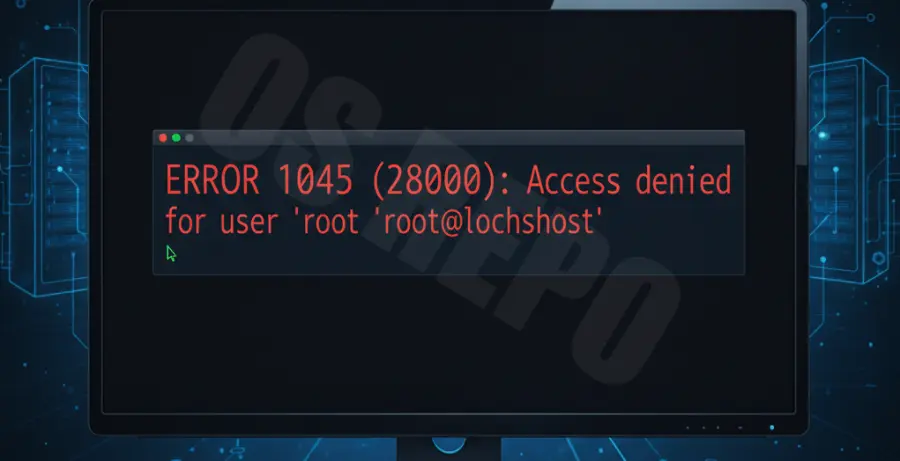
The “MySQL Access Denied for user ‘root'” error is one of the most common hurdles for database administrators. It typically manifests as ERROR 1045 (28000) or ERROR 1698 (28000) when attempting to log in via the command line or a GUI tool.
In the context of a “MySQL Black Screen,” you might see a blinking cursor in a terminal window that refuses to accept your credentials. This often happens after a fresh installation or when the root password has been forgotten.
| Error Code | Common Meaning | Typical Cause |
|---|---|---|
| 1045 | Access Denied (Using Password) | Incorrect password or host mismatch. |
| 1698 | Access Denied (Plugin ‘auth_socket’) | Root user requires sudo/system privileges. |
Before proceeding, verify if the MySQL service is actually running. A dead service can sometimes mimic access issues by failing to respond to connection attempts.
Troubleshooting Guide
To fix this, you must restart MySQL in a temporary “skip-grant-tables” mode. This allows you to log in without a password to reset the credentials.
Step 1: Stop the MySQL Service
First, terminate the current MySQL process to prepare for a safe-mode restart.
sudo systemctl stop mysqlStep 2: Start MySQL in Safe Mode
Run the following command to bypass the authentication requirement. Note that the database is vulnerable during this step.
sudo mysqld_safe --skip-grant-tables &Step 3: Log in and Update Password
Once the safe mode is running, open a new terminal window and log in as root. You will not be prompted for a password.
mysql -u rootNow, execute the following SQL commands to refresh the password. Replace ‘YourNewPassword’ with a secure string.
FLUSH PRIVILEGES;
ALTER USER 'root'@'localhost' IDENTIFIED WITH mysql_native_password BY 'YourNewPassword';
FLUSH PRIVILEGES;
exit;
Step 4: Restart the Service
Kill the safe mode process and restart the standard MySQL service to apply the changes securely.
sudo systemctl stop mysql
sudo systemctl start mysql
Prevention
Avoiding the MySQL Black Screen in the future requires a few proactive security and management steps. Managing your users correctly is the best way to prevent lockouts.
Avoid using the root account for daily applications. Instead, create a dedicated user with specific permissions for your database projects. This minimizes the risk of losing access to the entire system.
Always run mysql_secure_installation after a new setup. This utility helps you configure the password validation plugin and removes anonymous users, significantly reducing the chances of authentication conflicts.
Keep a record of your credentials in a secure password manager. If you are using Linux, remember that newer versions of MySQL/MariaDB often use the auth_socket plugin, meaning you should use sudo mysql to log in rather than providing a password.