Immediate Fix
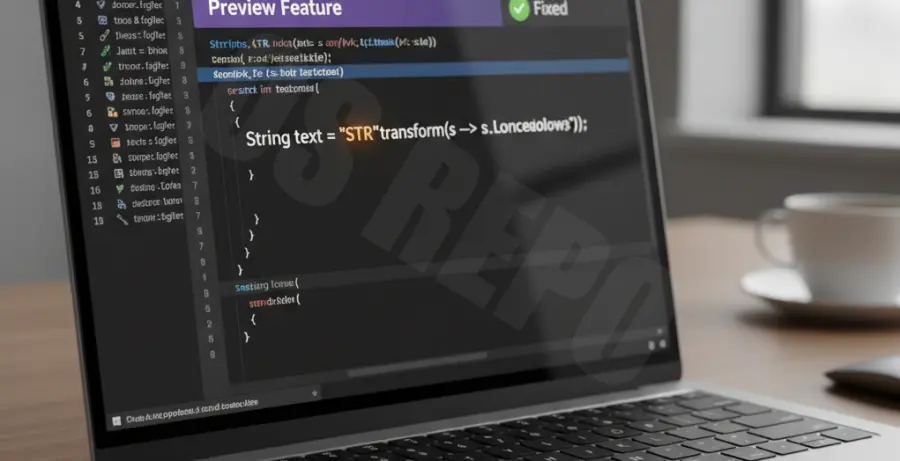
To fix the “string templates are a preview feature” error in Java 21, you must explicitly enable preview features during both compilation and execution. By default, the Java compiler (javac) and the Java Runtime Environment (JRE) disable features that are not yet permanent in the language specification.
If you are using the Command Line Interface (CLI), use the following commands:
# To compile the code
javac --enable-preview --release 21 YourFile.java

# To run the code
java --enable-preview YourFile
For those using **IntelliJ IDEA**, follow these steps:
1. Go to **File > Project Structure > Project**.
2. Set the **Language Level** to “21 (Preview) – String templates, unnamed classes, etc.”.
3. Go to **Settings > Build, Execution, Deployment > Compiler > Java Compiler**.
4. Add `–enable-preview` to the “Additional command line parameters” field.
Technical Explanation
The error occurs because String Templates (JEP 430) were introduced in Java 21 as a **Preview Feature**. Preview features are fully functional but are subject to change in future releases based on developer feedback. Therefore, the JDK requires a deliberate flag to ensure developers understand they are using a non-final API.
| Component | Required Flag | Purpose |
|---|---|---|
| Compiler (javac) | –enable-preview –release 21 | Allows the compiler to recognize the STR processor syntax. |
| Runtime (java) | –enable-preview | Allows the JVM to execute code using preview bytecode. |
In Java 21, String Templates allow you to perform string interpolation using the `STR` processor. Without the flags, the compiler treats the backslash and dot syntax as illegal characters or unknown tokens.
Alternative Methods
If you are using build tools like Maven or Gradle, you must configure the plugins to pass the preview flags automatically. This is the preferred method for professional environments to ensure consistent builds across CI/CD pipelines.
### Maven Configuration
Add the following configuration to your `pom.xml` within the `maven-compiler-plugin` section:
<plugin>
    <groupId>org.apache.maven.plugins</groupId>
    <artifactId>maven-compiler-plugin</artifactId>
    <configuration>
        <compilerArgs>
            <arg>--enable-preview</arg>
        </compilerArgs>
    </configuration>
</plugin>
### Gradle Configuration
Add this block to your `build.gradle` file:
tasks.withType(JavaCompile) {
    options.compilerArgs += ["--enable-preview"]
}

tasks.withType(JavaExec) {
    jvmArgs += ["--enable-preview"]
}
Using these configurations ensures that anyone who clones your project will have the correct environment settings without needing to manually adjust their local IDE configurations.