| Issue | Severity | Time to Fix |
|---|---|---|
| Pixel 9 Camera Sensor Error | Medium to High | 10 – 20 Minutes |
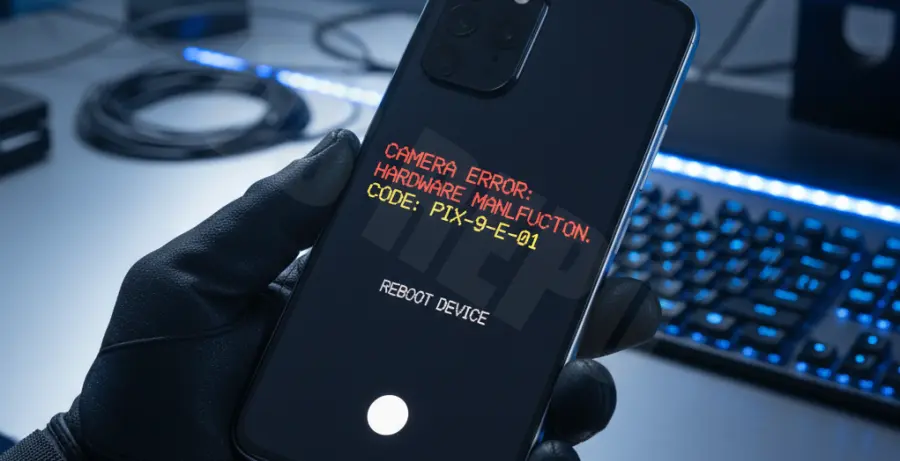
What is the Pixel 9 camera sensor error code?
The Pixel 9 camera sensor error code is a critical system notification indicating a communication failure between the device software and the camera hardware. This typically stems from corrupted cache files, outdated firmware, or minor hardware initialization glitches.
Step-by-Step Solutions to Fix Pixel 9 Camera Errors
1. Force Stop and Clear Camera Cache
Most sensor errors are caused by temporary software conflicts within the Google Camera app. Clearing the cache refreshes the app state without deleting your photos.
Navigate to Settings > Apps > See all apps > Camera. Tap “Force Stop,” then go to “Storage & cache” and select “Clear Cache.”
2. Check for System and Play Store Updates
Google frequently releases “Camera Services” updates via the Play Store to fix sensor calibration issues. Ensure your Android build is also current to maintain driver compatibility.
# Manual check for Pixel system updates
Settings > System > Software updates > System update > Check for update
3. Use Android Sensor Diagnostic Codes
You can trigger a hardware diagnostic to see if the sensor is physically responding. This helps determine if the issue is a permanent hardware failure or a fixable software bug.
Open the Phone app and dial the following sequence to enter the hidden diagnostic menu:
*#*#7287#*#*4. Reset Camera Media Storage
Sometimes the underlying Media Storage service that handles sensor data becomes unresponsive. Resetting this system app can force the sensor to re-initialize.
Go to Settings > Apps > Show system apps > Media Storage. Select “Clear Data” and restart your Pixel 9 immediately to apply the changes.