| Solution Method | Complexity | Estimated Time |
|---|---|---|
| AMD Cleanup Utility | Low | 5-10 Minutes |
| DDU (Display Driver Uninstaller) | Medium | 15 Minutes |
| BIOS/UEFI Reset | High | 10 Minutes |
| Registry Patch (Pixel Clock) | Medium | 5 Minutes |
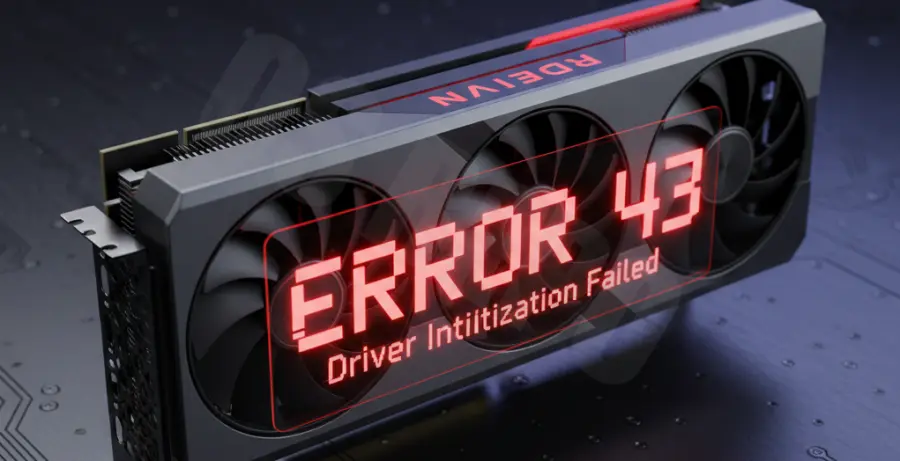
What is AMD Error 43?
AMD Error 43 is a generic status code reported by Windows Device Manager when it detects a problem with a graphics card. It specifically means “Windows has stopped this device because it has reported problems.”
This error usually indicates a driver communication failure. It often triggers after a failed driver update, a Windows Update conflict, or if the GPU firmware (VBIOS) has been modified for mining.
While it can occasionally signal hardware failure, most instances are software-related. Using specialized cleaning tools usually restores the connection between the OS and the hardware.
Step-by-Step Solutions
1. Run the AMD Cleanup Utility
The AMD Cleanup Utility is the official tool designed to remove old driver files and registry keys. This is the first step in resolving Error 43.
Download the utility from the official AMD support site. Run the application and allow it to reboot your computer into Safe Mode for a thorough cleaning.
Once finished, download the latest “Adrenalin” software package from AMD. Perform a fresh installation and restart your system.
2. Perform a Deep Clean with DDU
If the official utility fails, use Display Driver Uninstaller (DDU). This is a third-party tool that removes every trace of previous driver installations.
Disconnect your internet to prevent Windows Update from automatically installing a generic driver. Run DDU in Safe Mode and select “Clean and restart.”
After the reboot, install the specific driver version that was previously stable on your machine. You can verify your GPU status using the following command in PowerShell:
Get-PnpDevice -PresentOnly | Where-Object { $_.InstanceId -match "PCI" -and $_.Status -eq "Error" }3. Use the AMD/ATI Pixel Clock Patcher
Error 43 frequently occurs on second-hand GPUs that were used for cryptocurrency mining. These cards often have a custom VBIOS that Windows rejects due to a signature mismatch.
Download the “AMD/ATI Pixel Clock Patcher” (atikmdag-patcher). Run the tool and click “Yes” to patch the driver files.
This patch bypasses the BIOS signature check. Restart your computer immediately after patching to see if the Device Manager status returns to “This device is working properly.”
4. Check Hardware and BIOS Settings
Sometimes the error stems from the motherboard’s communication with the PCIe slot. Ensure your GPU is seated firmly in the primary PCIe x16 slot.
Enter your motherboard BIOS and check if the “Above 4G Decoding” setting is enabled. If you recently updated your BIOS, try resetting to “Optimized Defaults.”
Check your power cables. A GPU that isn’t receiving enough voltage from the PSU can trigger an Error 43 report during the initialization phase.