Immediate Fix
Excel 365 performance issues, such as screen flickering or input lag, are frequently caused by conflicts between the software and your Graphics Processing Unit (GPU).
To resolve this, open Excel and navigate to the File menu, then select Options from the bottom of the left-hand pane.
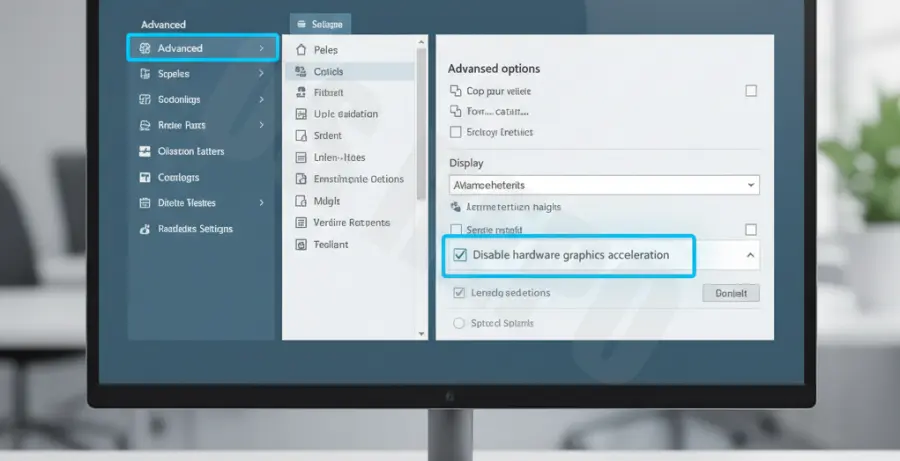
In the Excel Options window, click on the Advanced tab. Scroll down until you reach the Display section.
Check the box next to Disable hardware graphics acceleration. Click OK and restart all active Office applications to apply the changes.
| Step | Navigation Path | Expected Action |
|---|---|---|
| 1 | File > Options | Open configuration menu |
| 2 | Advanced > Display | Locate rendering settings |
| 3 | Disable Acceleration | Check the toggle box |
Technical Explanation
Hardware acceleration is a feature designed to offload graphical tasks from the Central Processing Unit (CPU) to the GPU. This is intended to make rendering charts and animations smoother.
In the context of Excel 365, this feature can backfire if your display drivers are outdated or if there is a resource conflict with other high-demand applications.
When “stuttering” occurs, it is usually because the handshake between Excel’s rendering engine and the GPU driver is failing. Disabling this forces Excel to use software rendering, which is handled entirely by the CPU, ensuring greater stability.
Alternative Methods
In some versions of Microsoft 365, the manual toggle has been removed from the UI. In these cases, you must use the Windows Registry Editor to force the setting.
Press Win + R, type “regedit”, and navigate to the following key path to manually create the override:
HKEY_CURRENT_USER\Software\Microsoft\Office\16.0\Common\GraphicsIf the “Graphics” key does not exist, create it. Inside, create a new DWORD (32-bit) Value named DisableHardwareAcceleration and set its value data to 1.
Another method involves updating your Windows Display settings. Go to Settings > System > Display > Graphics and set Excel to “Power Saving” mode to avoid using the dedicated high-performance GPU.