Immediate Fix
If your iPhone 16 Pro update failed with error 4013, the first step is to isolate the connection. This error typically signifies a hardware disconnection during the firmware writing process.
Force Restart Your Device
A forced restart can clear temporary cache issues that prevent the update from completing. Briefly press Volume Up, then Volume Down, and hold the Side Button until the Apple logo appears.
Check the USB-C Connection
The iPhone 16 Pro uses USB-C. Ensure you are using the braided cable that came in the box. Avoid using third-party hubs or keyboard USB ports; plug the device directly into the computer’s motherboard or Thunderbolt port.
Update Your Software Environment
Ensure your Mac is running the latest version of macOS or that iTunes is updated to the latest version on Windows. Outdated communication protocols often trigger error 4013 during handshakes.
Technical Explanation
Error 4013 is fundamentally a communication timeout. It occurs when the iPhone 16 Pro unexpectedly disconnects from the computer while the NAND flash is being rewritten or verified.
The table below summarizes the most common technical triggers for this specific failure on the new iPhone 16 series:
| Trigger Component | Description | Recommended Action |
|---|---|---|
| USB-C Port Debris | Dust in the port prevents a stable data handshake. | Clean with compressed air. |
| Security Software | Firewalls blocking Apple’s update servers. | Temporarily disable Antivirus. |
| NAND Verification | The system fails to verify the written data. | Use Recovery Mode. |
In some cases, the error is caused by the “Restore” process timing out because the firmware file download took too long. Always download the IPSW file before attempting the restore.
Alternative Methods
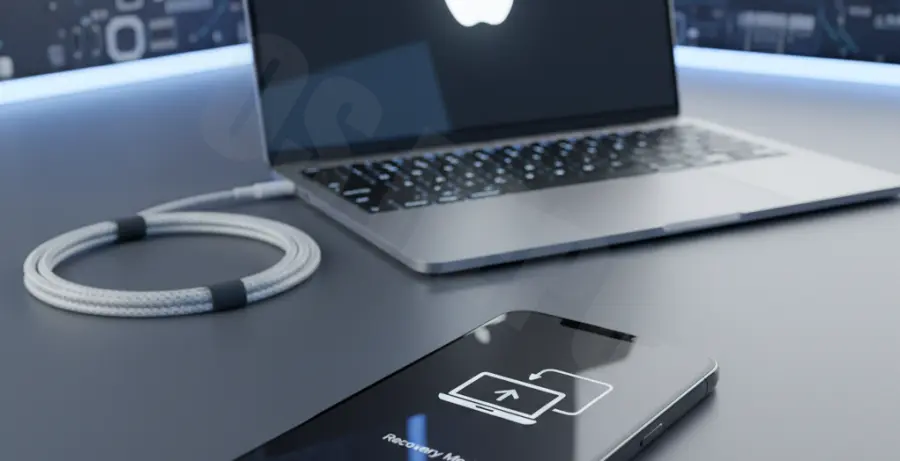
If standard updates fail, you must force the iPhone 16 Pro into Recovery Mode or DFU Mode. This bypasses the standard OS and communicates directly with the bootloader.
Using Recovery Mode
Connect your iPhone to your computer. Press Volume Up, then Volume Down, then hold the Side button. Keep holding even after the Apple logo appears until you see the “support.apple.com/iphone/restore” screen.
Advanced CLI Troubleshooting
For users on Linux or macOS who prefer command-line tools to monitor the connection status during the update, you can use libimobiledevice to track the device state:
# Install tools on macOS
brew install libimobiledevice

# Monitor device connection events to spot 4013 disconnects
idevicepair pair
idevicedebuggestalt UniqueDeviceID
idevicerestore --latest
If the error persists across different computers and cables, it may indicate a defect in the iPhone 16 Pro’s internal logic board or USB-C controller, requiring a visit to an Apple Store for a hardware diagnostic.