| Issue | Severity | Estimated Fix Time |
|---|---|---|
| Pixel 9 Crashing to Home Screen | High | 10–20 Minutes |
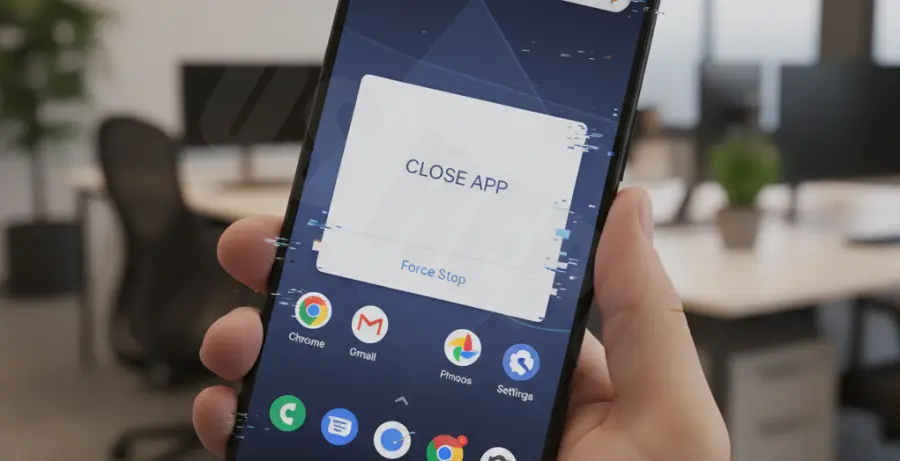
What is pixel 9 keeps crashing to home screen?
The “Pixel 9 keeps crashing to home screen” error refers to a software instability where active applications abruptly close, returning the user to the Android desktop. This is typically caused by corrupted system cache, incompatible apps, or pending firmware updates.
Step-by-Step Solutions
1. Force Restart the Device
A simple restart can clear temporary glitches in the system memory. This often resolves minor software conflicts causing the UI to reload.
- Press and hold the Power and Volume Up buttons simultaneously for 15 seconds.
- Wait for the Google logo to appear.
- Test the device to see if the crashing persists.
2. Update System and Apps
Outdated software is a primary cause of system instability. Ensure your Pixel 9 is running the latest build of Android and that all Play Store apps are updated.
# Check for system updates via ADB (Advanced)
adb shell am start -n com.google.android.gms/.update.SystemUpdateActivity
3. Clear System UI Cache
If the Home Screen (Pixel Launcher) specifically is crashing, clearing its cache can restore functionality. This does not delete your apps but may reset your icon layout.
- Go to Settings > Apps > See all apps.
- Find “Pixel Launcher.”
- Tap Storage & cache > Clear Cache.
4. Boot into Safe Mode
Safe Mode disables third-party apps to determine if a downloaded program is causing the crash. If the phone works fine here, an app you installed is the culprit.
- Press and hold the Power button.
- Long-press the “Restart” icon on the screen.
- Tap “OK” to reboot into Safe Mode.